Free online glitch image maker. Just drag and drop your image here, and it will automatically get corrupted visuals with glitch aesthetics. You can apply pixelation for a blocky look, blur to defocus objects, add noise, adjust brightness and color channels, reorder pixels by brightness, split RGB channels for chromatic halos, invert or desaturate colors, and simulate compression artifacts from JPEG or WebP formats. Created by engineers from team Browserling.
Free online glitch image maker. Just drag and drop your image here, and it will automatically get corrupted visuals with glitch aesthetics. You can apply pixelation for a blocky look, blur to defocus objects, add noise, adjust brightness and color channels, reorder pixels by brightness, split RGB channels for chromatic halos, invert or desaturate colors, and simulate compression artifacts from JPEG or WebP formats. Created by engineers from team Browserling.

This tool creates glitched images filled with noise, distortions, and artifacts. It allows you to intentionally simulate signal errors, corrupt visual data, fragment the image structure, reduce quality, and introduce realistic glitch effects. You can apply pixelation to increase block size, producing a low-resolution look, or add blur to defocus objects and reduce fine detail. You can also add noise in the form of random grain or adjust overall brightness to make the image lighter or darker. To simulate digital signal failure, you can introduce horizontal line shifts that mimic analog interference. You can slice the image into horizontal fragments and rearrange them to create broken frame effects. Pixel reordering lets you sort pixels based on brightness, generating stretched streaks and smeared textures often seen in corrupted files. With RGB splitting, you can desynchronize the red, green, and blue channels to produce color halos and chromatic glitch artifacts. You can further adjust individual red, green, and blue channels to shift color balance and change the overall tone of the image. For stronger visual transformation, the tool includes options to invert colors for a negative effect or convert the image to grayscale by removing all color information. You can also add compression artifacts that simulate quality loss in JPEG and WebP formats, resulting in blocky structures and color degradation. The final glitch image can be downloaded in PNG, JPEG, or WebP format. Image-abulous!
This tool creates glitched images filled with noise, distortions, and artifacts. It allows you to intentionally simulate signal errors, corrupt visual data, fragment the image structure, reduce quality, and introduce realistic glitch effects. You can apply pixelation to increase block size, producing a low-resolution look, or add blur to defocus objects and reduce fine detail. You can also add noise in the form of random grain or adjust overall brightness to make the image lighter or darker. To simulate digital signal failure, you can introduce horizontal line shifts that mimic analog interference. You can slice the image into horizontal fragments and rearrange them to create broken frame effects. Pixel reordering lets you sort pixels based on brightness, generating stretched streaks and smeared textures often seen in corrupted files. With RGB splitting, you can desynchronize the red, green, and blue channels to produce color halos and chromatic glitch artifacts. You can further adjust individual red, green, and blue channels to shift color balance and change the overall tone of the image. For stronger visual transformation, the tool includes options to invert colors for a negative effect or convert the image to grayscale by removing all color information. You can also add compression artifacts that simulate quality loss in JPEG and WebP formats, resulting in blocky structures and color degradation. The final glitch image can be downloaded in PNG, JPEG, or WebP format. Image-abulous!
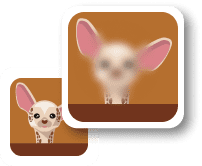
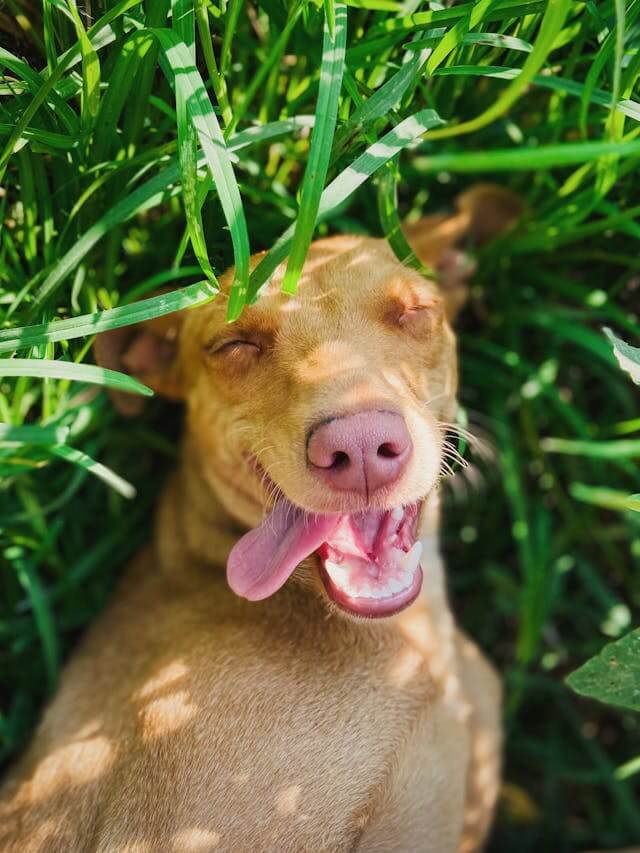
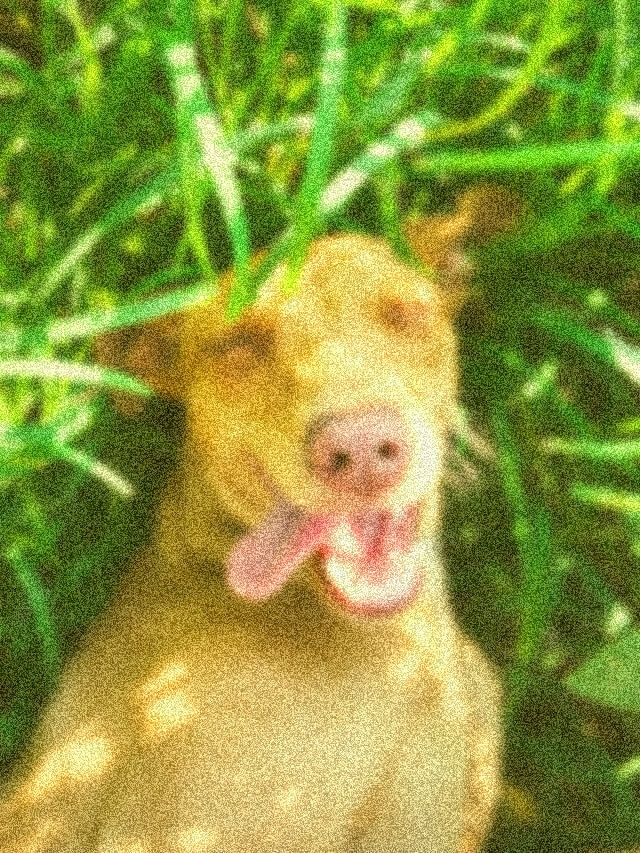
In this example, we turn a photo of a smiling dog into a bright, glitchy shot with a warm, sunny tone. We increase red and green to 50 to create a yellowish tint, add noise at 40 to introduce visible grain, and apply blur at 8 to soften details and make the image slightly hazy. (Source: Pexels.)
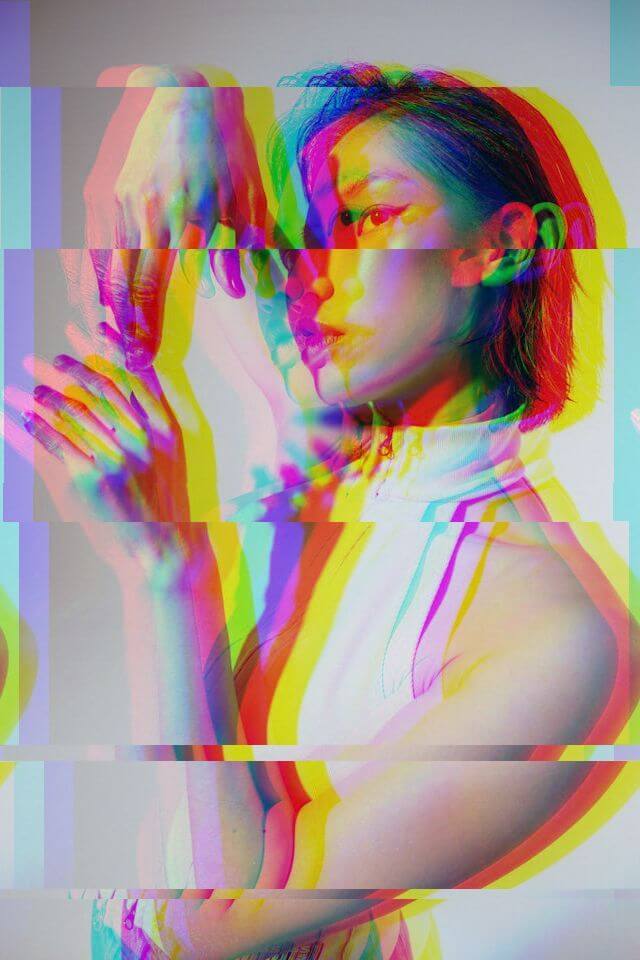
This example generates a heavy prism effect on a portrait. It significantly separates the RGB channels with a chromatic value of 30 and cuts the image into 60 glitch slices. These segments shift randomly to break the portrait structure. (Source: Pexels.)

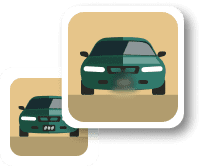
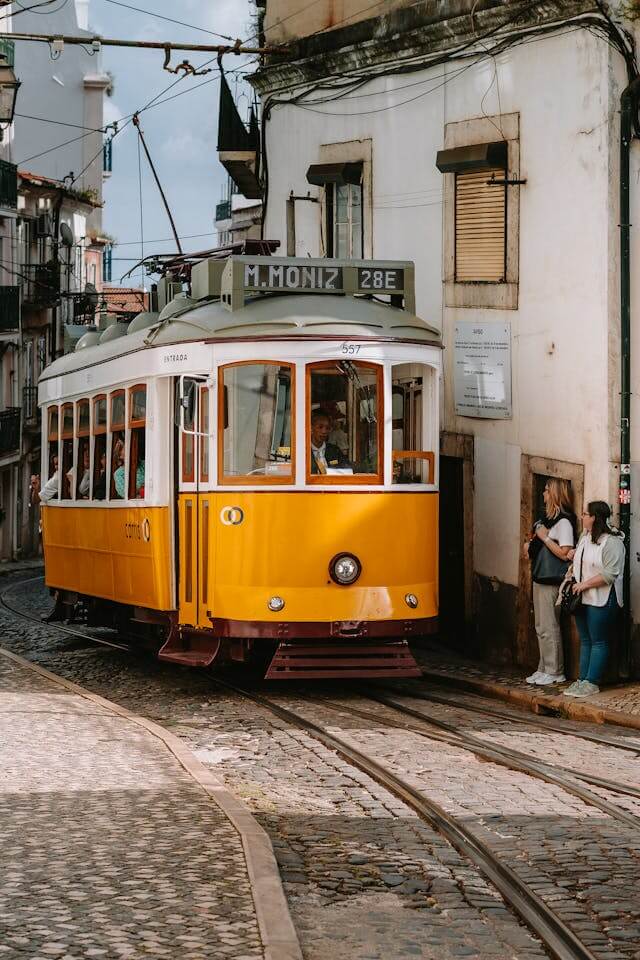
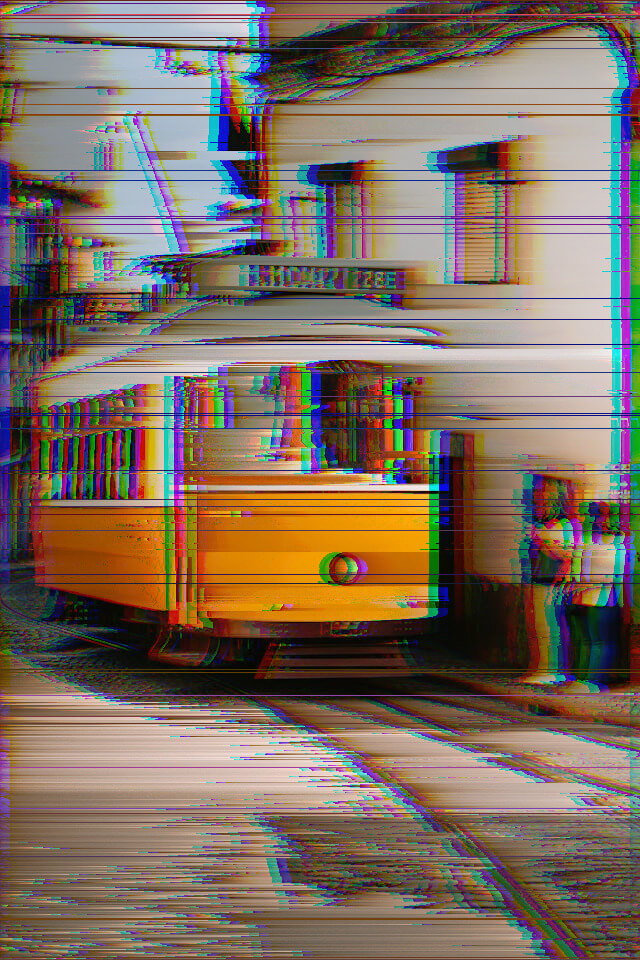
In this example, we create a surreal glitch image of a yellow tram. We set pixel sorting to 80, which stretches pixels into flowing streaks and creates a melting effect similar to Salvador Dali’s paintings. We also add a horizontal shift to introduce subtle signal-distortion lines and apply RGB split to enhance the glitch with light color separation. (Source: Pexels.)
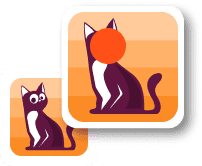
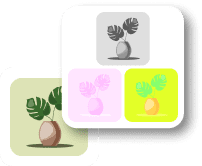
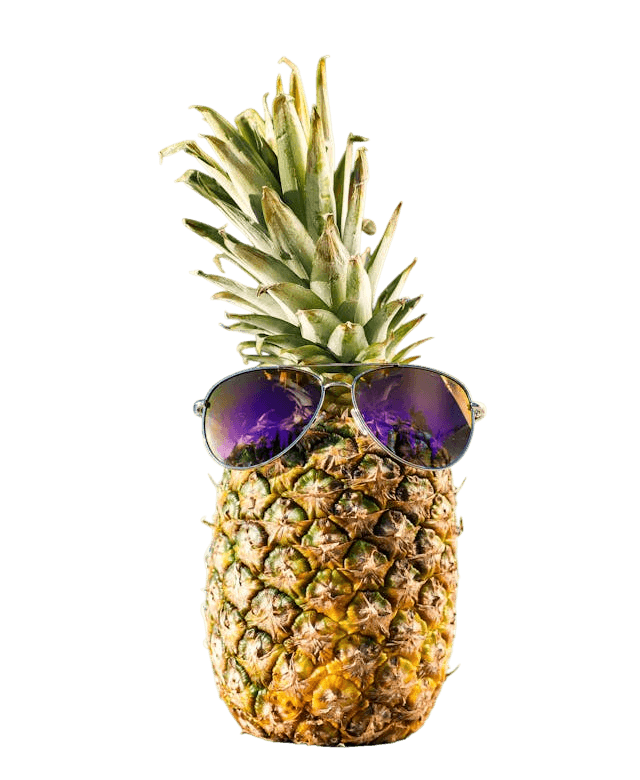
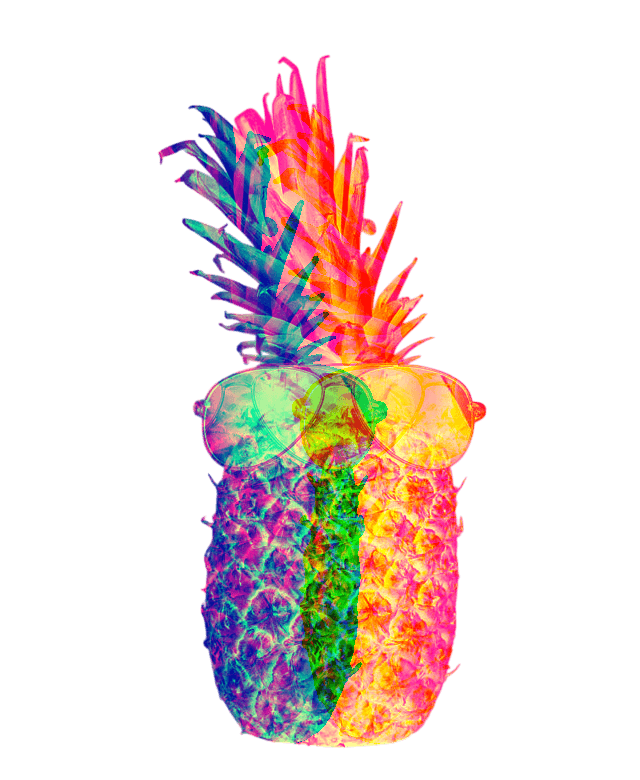
This example applies an extreme RGB split to turn a pineapple into a large glowing halo. We set the RGB split to 100 to create a large color aura, increase the blue channel to 100 for a cool tone shift, and invert colors to produce a negative effect. The result is saved as PNG to preserve image quality and transparency. (Source: Pexels.)
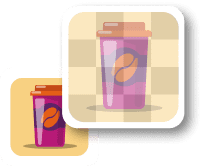
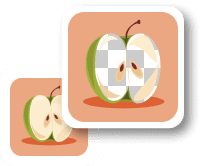
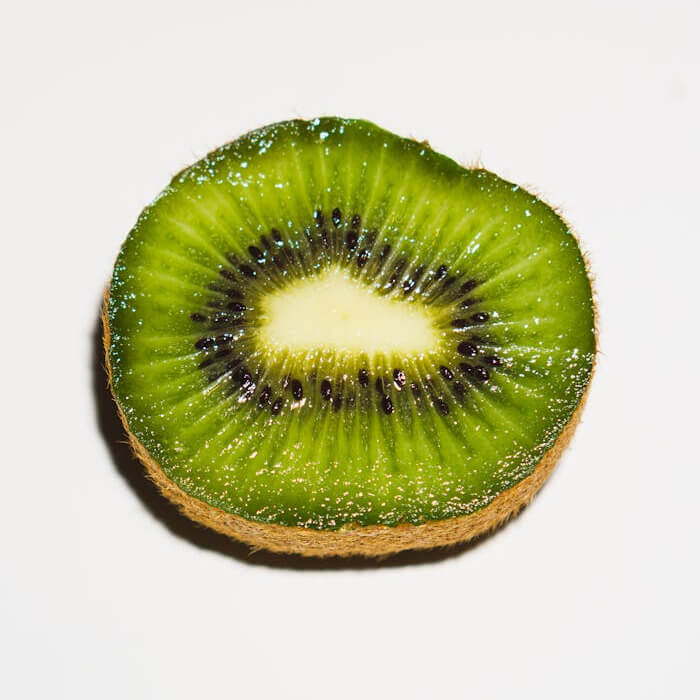
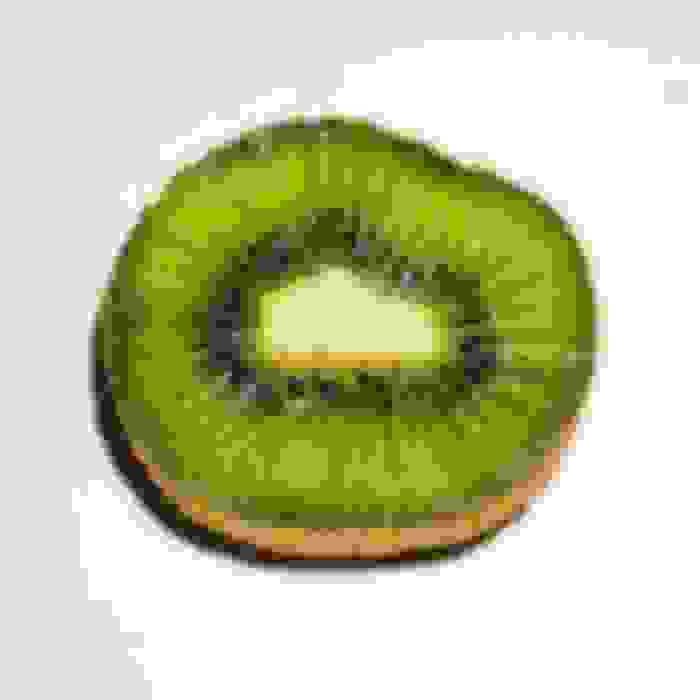
In this example, we turn a kiwi slice into a heavily glitched image by applying extreme JPEG compression at 0 percent quality, which introduces strong block artifacts and color smearing. We then add a blur at 6 to further reduce clarity, creating a blocky, blotchy abstract shape. (Source: Pexels.)
Edit images in your browser.
Place images on a grid so that they make a Fibonacci spiral.
Convert a PNG image to an ICO icon.
Convert an ICO icon to a PNG image.
Convert a PNG image to a TIFF image.
Convert a TIFF image to a PNG image.
Convert a JPEG image to an ICO icon.
Convert an ICO icon to a JPEG image.
Convert a JPEG image to a TIFF image.
Convert a TIFF image to a JPEG image.
Convert a GIF image to an ICO icon.
Convert an ICO icon to a GIF image.
Convert a GIF image to a TIFF image.
Convert a TIFF image to a GIF image.
Convert a GIF image to an APNG icon.
Convert an APNG image to a PNG image.
Convert a bitmap image to an ICO icon.
Convert an ICO icon to a bitmap image.
Convert a bitmap image to a TIFF image.
Convert a TIFF image to a bitmap image.
Convert a Webp image to an ICO icon.
Convert an ICO icon to a Webp image.
Convert a Webp image to a TIFF image.
Convert a TIFF image to a Webp image.
Create an animated GIF image from static frames.
Create an image from an B, G, R array.
Create an image from an R, G, B, A array.
Create an image from an B, G, R, A array.
Increase the quality of an image.
Decrease the quality of an image.
Remove the pixelation effect from an image.
Remove the blur effect from an image.
Apply OCR on an image and extract all text from it.
Erase text or label from an image.
Erase any object from an image.
Convert an image to a thumbnail
Convert a PNG, GIF, JPG or BMP to glitch art.
Let Zalgo destroy an image.
Change an image color space to HSL, HSV, CMYK, or RGB.
Create a mosaic wall from multiple images.
Create an ASCII art image from a regular image.
Create an ANSI art image from a regular image.
Create a Unicode art image from a regular image.
Create a Braille art image from a regular image.
Add a short one-line label to an image.
Remove a watermark from an image.
Create an image made out of dots of varying size and spacing.
Convert an image to a bunch of blocks.
Create a GIF from the original image with interlacing effect.
Subscribe to our updates. We'll let you know when we release new tools and features, and when we organize online workshops.
Enter your email here
We're Browserling — a friendly and fun cross-browser testing company powered by alien technology. At Browserling we love to make people's lives easier, so we created this collection of image editing tools. Our tools have the simplest user interface that doesn't require advanced computer skills and they are used by millions of people every month. Our image tools are actually powered by our web developer tools that we created over the last couple of years. Check them out!