Quickly convert plain text into a QR code that reveals the message when scanned. Enter a note, instruction, checklist, or other text, then personalize the design with different module shapes, marker styles, and custom colors. Choose a single color or gradient, set the image dimensions, padding, and recovery strength, then download the PNG for classroom games, treasure hunts, or printed reminders. Fast, free, and easy to use. Created with love by team Browserling.
Quickly convert plain text into a QR code that reveals the message when scanned. Enter a note, instruction, checklist, or other text, then personalize the design with different module shapes, marker styles, and custom colors. Choose a single color or gradient, set the image dimensions, padding, and recovery strength, then download the PNG for classroom games, treasure hunts, or printed reminders. Fast, free, and easy to use. Created with love by team Browserling.

This online text-to-QR-code generator lets you store written content directly inside a QR code, so anyone scanning it can read the message. You can use it to share short notes, instructions, puzzle clues, checklists, or even small pieces of ASCII art. Simply type or paste your text into the input area, and the tool will turn it into a QR image. You can also make the QR code visually unique using the customization options. Select the shape of the QR elements, from traditional squares to round dots and decorative patterns. Give the code a colorful appearance by choosing a background and applying either a single pattern color or a two-color gradient. The gradient direction can also be adjusted. For additional styling, modify the three corner markers by changing their frame and center shapes or assigning them individual colors. To make the design reflect its text content, add one of three T-shaped logos to the center. Pick a T with corner guides, a traditional serif T, or a T with frame handles, and decide whether it should match the pattern or have its own color. You can also specify the image dimensions, add padding around the pattern, and choose the damage-resistance level. Higher recovery settings can help preserve readability if the printed code gets scratched or partially covered. Keep in mind that longer messages create denser QR patterns, so shorter text is generally easier to scan. QR-tastic!
This online text-to-QR-code generator lets you store written content directly inside a QR code, so anyone scanning it can read the message. You can use it to share short notes, instructions, puzzle clues, checklists, or even small pieces of ASCII art. Simply type or paste your text into the input area, and the tool will turn it into a QR image. You can also make the QR code visually unique using the customization options. Select the shape of the QR elements, from traditional squares to round dots and decorative patterns. Give the code a colorful appearance by choosing a background and applying either a single pattern color or a two-color gradient. The gradient direction can also be adjusted. For additional styling, modify the three corner markers by changing their frame and center shapes or assigning them individual colors. To make the design reflect its text content, add one of three T-shaped logos to the center. Pick a T with corner guides, a traditional serif T, or a T with frame handles, and decide whether it should match the pattern or have its own color. You can also specify the image dimensions, add padding around the pattern, and choose the damage-resistance level. Higher recovery settings can help preserve readability if the printed code gets scratched or partially covered. Keep in mind that longer messages create denser QR patterns, so shorter text is generally easier to scan. QR-tastic!
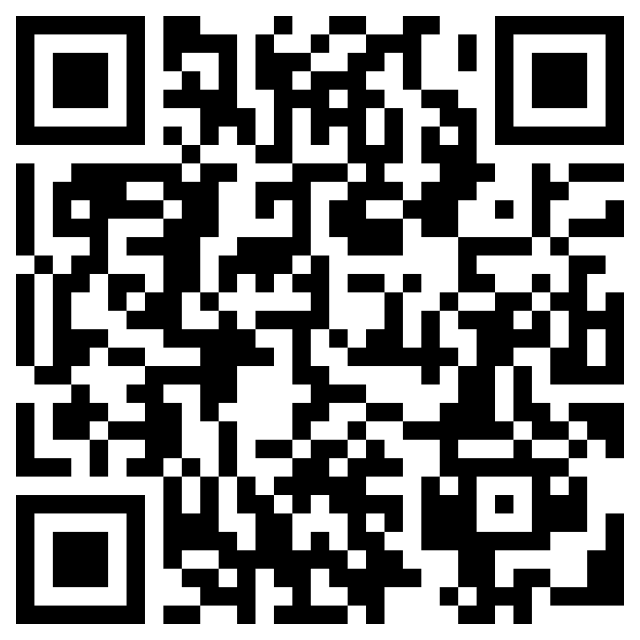
In this example, we encode a short message informing colleagues about a meeting room change. The QR code uses standard black squares and a white background, making it easy to recognize on printed materials. It can be placed near the meeting area so participants can quickly find the new room and confirm the meeting time.
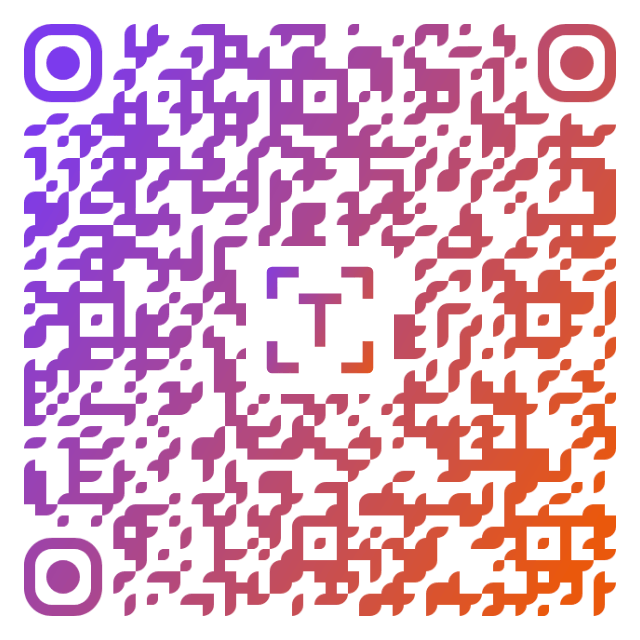
In this example, we hide a puzzle clue inside a QR code that players must scan to continue their treasure hunt. The encoded text points toward a quiet place filled with books and directs participants to look beneath the third blue chair. We use decorative rounded modules and a violet-to-orange gradient to give the code a colorful, playful appearance suitable for puzzle cards. In the center, we use a cornered T icon that carries the same colorful gradient as the QR pattern.
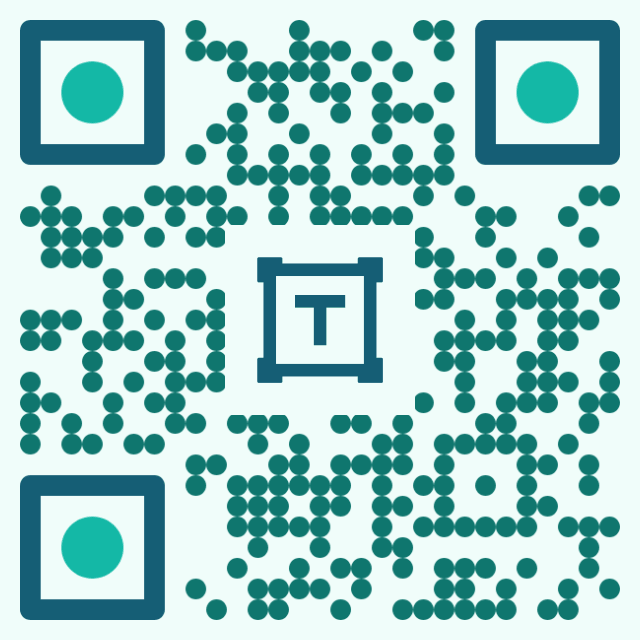
In this example, we demonstrate how QR codes can store simple text artwork. We encode a small ASCII cat made from slashes, dots, brackets, and spaces, with line breaks keeping the drawing organized. The code uses circular modules, rounded-corner frames, and contrasting teal colors to create a distinctive visual style. We also place a framed text logo in the center and use the same deep blue-teal color as the corner frames.
Read a QR code from an image and extract its contents.
Change the colors, size, and appearance of a QR code.
Place a custom logo or image in the center of a QR code.
Turn a QR code into a scalable SVG image.
Turn a QR code into a downloadable PNG file.
Create a QR code that links directly to a PDF document.
Create a QR code that lets customers leave a Google review.
Create a QR code that opens a restaurant's digital menu.
Create a QR code that opens a WhatsApp chat with a phone number.
Create a QR code that links directly to an Instagram profile.
Create a QR code that opens a YouTube video or channel.
Create a QR code that links to a Facebook page or profile.
Create a QR code that opens a TikTok profile or video.
Create a QR code that links to a LinkedIn profile or company page.
Create a QR code that opens a location in Google Maps.
Create a QR code containing event details, dates, and locations.
Create a QR code that opens a payment link or checkout page.
Create a QR code that links to an app in the App Store or Google Play.
Create a QR code that opens a Spotify song, album, or playlist.
Add a custom text label below a QR code, such as "Scan Me".
Surround a QR code with a customizable decorative frame.
Generate multiple QR codes at once from a list of text or URLs.
Arrange multiple QR codes on a printable sheet.
Test whether a QR code can be scanned and decoded correctly.
Subscribe to our updates. We'll let you know when we release new tools and features, and when we organize online workshops.
Enter your email here
We're Browserling – a friendly and fun cross-browser testing company powered by alien technology. At Browserling, our mission is to make people's lives easier, so we created this collection of QR code tools. Our tools have the simplest user interface that doesn't require advanced computer skills and they are used by millions of people every month. Behind the scenes, all QR tools are actually powered by our web developer tools that we created over the last couple of years. Check them out!