Quickly create QR codes that open ready-to-send emails. Enter the recipient's email address, subject, and message in the tool below, then style the code with your preferred module shapes, corner accents, and color combinations. When your email QR code is ready, download the PNG to place on feedback forms, event invitations, or customer service signs. Fast, free, and easy to use. Created with love by team Browserling.
Quickly create QR codes that open ready-to-send emails. Enter the recipient's email address, subject, and message in the tool below, then style the code with your preferred module shapes, corner accents, and color combinations. When your email QR code is ready, download the PNG to place on feedback forms, event invitations, or customer service signs. Fast, free, and easy to use. Created with love by team Browserling.

This online email QR code generator lets you create QR codes for starting new emails with the recipient, subject, and message already filled in. A quick scan can open an email app with a prepared message, saving the sender from typing everything manually. This is helpful for collecting customer feedback, answering product questions, receiving event registrations, or making it easier for people to contact a business. First, provide the email address that should receive the message. You can also specify a subject and message, or leave them blank. The tool stores these details in the QR code as a mailto link, which modern smartphones can use to prepare a new email. The sender can then check the information, make changes, and send the message. No email is sent automatically. To personalize the QR code, pick the shapes of its small elements and adjust the outer frames and inner centers of the corner markers. You can color these markers independently or use a single color or gradient for the main QR pattern. You can also place an envelope logo in the center or generate the QR code without a logo. By default, the envelope follows the solid color or gradient of the QR pattern, but you can enable a custom logo color and give it a separate solid color. Other settings let you change the background, image dimensions, padding, and damage resistance. Higher resistance can be useful for printed QR codes that may experience scratches or wear. Test the finished code to make sure the email fields appear correctly, then save the PNG for feedback cards, product packaging, invitations, or customer service signs. QR-tastic!
This online email QR code generator lets you create QR codes for starting new emails with the recipient, subject, and message already filled in. A quick scan can open an email app with a prepared message, saving the sender from typing everything manually. This is helpful for collecting customer feedback, answering product questions, receiving event registrations, or making it easier for people to contact a business. First, provide the email address that should receive the message. You can also specify a subject and message, or leave them blank. The tool stores these details in the QR code as a mailto link, which modern smartphones can use to prepare a new email. The sender can then check the information, make changes, and send the message. No email is sent automatically. To personalize the QR code, pick the shapes of its small elements and adjust the outer frames and inner centers of the corner markers. You can color these markers independently or use a single color or gradient for the main QR pattern. You can also place an envelope logo in the center or generate the QR code without a logo. By default, the envelope follows the solid color or gradient of the QR pattern, but you can enable a custom logo color and give it a separate solid color. Other settings let you change the background, image dimensions, padding, and damage resistance. Higher resistance can be useful for printed QR codes that may experience scratches or wear. Test the finished code to make sure the email fields appear correctly, then save the PNG for feedback cards, product packaging, invitations, or customer service signs. QR-tastic!
In this example, we generate an email QR code for a product box so customers can easily request warranty assistance if something goes wrong. Scanning the code opens a prepared email with fields for the product model, serial number, purchase date, and problem description. We use a classic black-and-white square pattern that is easy to reproduce on printed packaging.
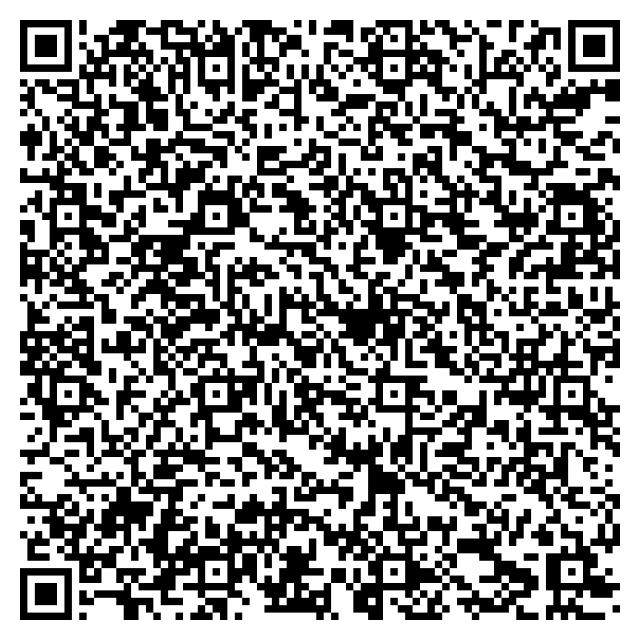
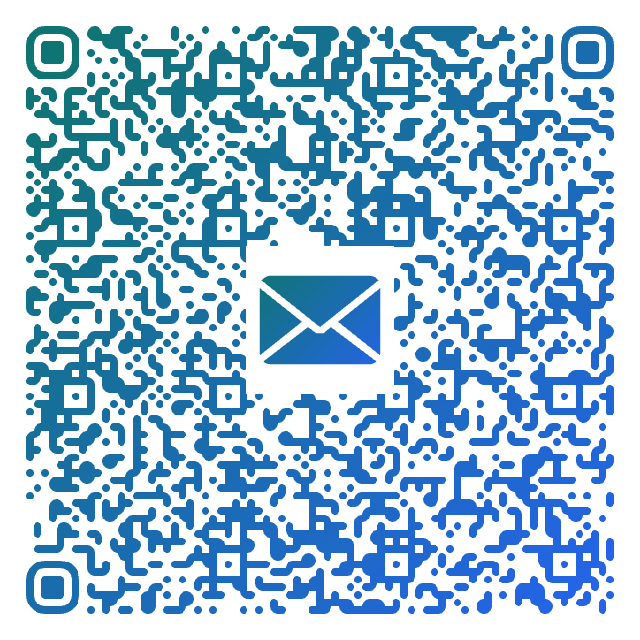
In this example, we create a QR code for a table card at Golden Bean Cafe. Guests can scan it to open an email with spaces for their visit date, rating, favorite things, and suggestions for improvement. We use an extra-rounded pattern, a teal-to-blue gradient, and a matching envelope logo to give the QR code a soft, welcoming appearance that fits the cafe setting.
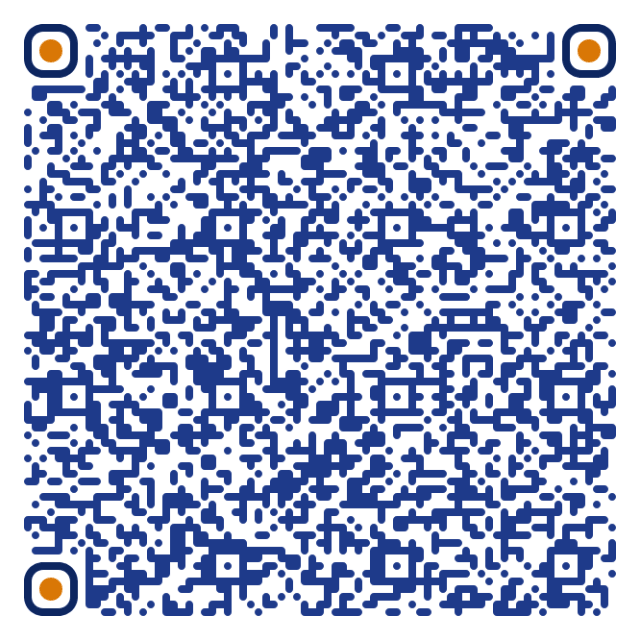
In this example, we prepare an email QR code for a promotional flyer from Willow Lens Studio. A quick scan opens a message asking about available photography sessions, booking dates, and prices. We combine a solid dark-blue pattern with deeper blue corner frames and warm amber centers to create an attractive, professional-looking QR code.
Read a QR code from an image and extract its contents.
Change the colors, size, and appearance of a QR code.
Place a custom logo or image in the center of a QR code.
Turn a QR code into a scalable SVG image.
Turn a QR code into a downloadable PNG file.
Create a QR code that links directly to a PDF document.
Create a QR code that lets customers leave a Google review.
Create a QR code that opens a restaurant's digital menu.
Create a QR code that opens a WhatsApp chat with a phone number.
Create a QR code that links directly to an Instagram profile.
Create a QR code that opens a YouTube video or channel.
Create a QR code that links to a Facebook page or profile.
Create a QR code that opens a TikTok profile or video.
Create a QR code that links to a LinkedIn profile or company page.
Create a QR code that opens a location in Google Maps.
Create a QR code containing event details, dates, and locations.
Create a QR code that opens a payment link or checkout page.
Create a QR code that links to an app in the App Store or Google Play.
Create a QR code that opens a Spotify song, album, or playlist.
Add a custom text label below a QR code, such as "Scan Me".
Surround a QR code with a customizable decorative frame.
Generate multiple QR codes at once from a list of text or URLs.
Arrange multiple QR codes on a printable sheet.
Test whether a QR code can be scanned and decoded correctly.
Subscribe to our updates. We'll let you know when we release new tools and features, and when we organize online workshops.
Enter your email here
We're Browserling – a friendly and fun cross-browser testing company powered by alien technology. At Browserling, our mission is to make people's lives easier, so we created this collection of QR code tools. Our tools have the simplest user interface that doesn't require advanced computer skills and they are used by millions of people every month. Behind the scenes, all QR tools are actually powered by our web developer tools that we created over the last couple of years. Check them out!