Quickly make the background of a QR code transparent. Upload your QR image in the tool below, then pick the background color to remove, adjust the tolerance to catch similar shades, and smooth the module edges if needed. When the transparent QR version is ready, download it as a PNG. Fast, free, and easy to use. Created with love by team Browserling.
Quickly make the background of a QR code transparent. Upload your QR image in the tool below, then pick the background color to remove, adjust the tolerance to catch similar shades, and smooth the module edges if needed. When the transparent QR version is ready, download it as a PNG. Fast, free, and easy to use. Created with love by team Browserling.

This online tool lets you create a QR code with a transparent background. It removes the white background behind the QR modules, leaving just the pattern on a transparent background. This is useful for making clear QR code stickers for different surfaces, such as menu stickers for cafe tables or Wi-Fi stickers for signs in hotel rooms. QR codes with transparent backgrounds are also often used on websites and flyers so the existing design can show through. To keep a transparent QR code scannable, make sure the pattern contrasts well with its new background. By default, the tool removes white, the most common background color for QR codes. You can choose a different shade to remove by entering its color code or name, or by clicking it in the preview. You can also adjust the color tolerance. A higher percentage includes more shades close to the selected color. Then you can clean up the edges of the QR modules by making nearby pixels partially transparent within the radius you specify. Use the checkbox to see where the background was removed in the preview. QR-tastic!
This online tool lets you create a QR code with a transparent background. It removes the white background behind the QR modules, leaving just the pattern on a transparent background. This is useful for making clear QR code stickers for different surfaces, such as menu stickers for cafe tables or Wi-Fi stickers for signs in hotel rooms. QR codes with transparent backgrounds are also often used on websites and flyers so the existing design can show through. To keep a transparent QR code scannable, make sure the pattern contrasts well with its new background. By default, the tool removes white, the most common background color for QR codes. You can choose a different shade to remove by entering its color code or name, or by clicking it in the preview. You can also adjust the color tolerance. A higher percentage includes more shades close to the selected color. Then you can clean up the edges of the QR modules by making nearby pixels partially transparent within the radius you specify. Use the checkbox to see where the background was removed in the preview. QR-tastic!
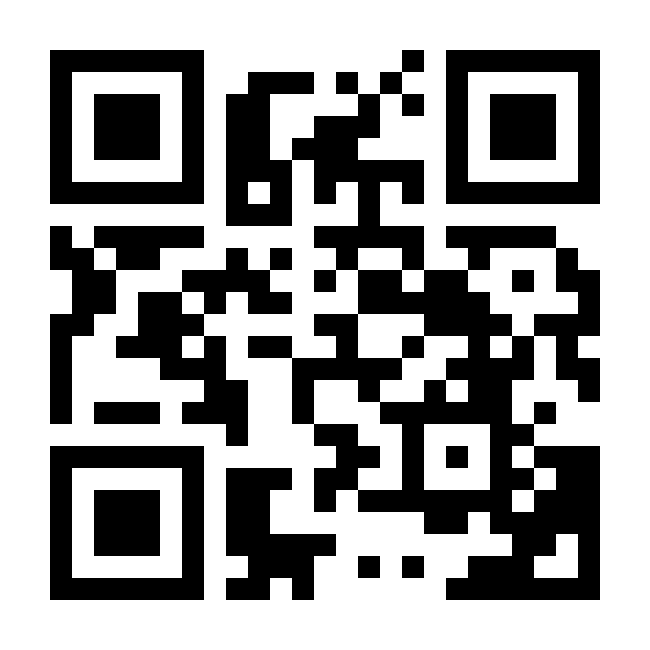
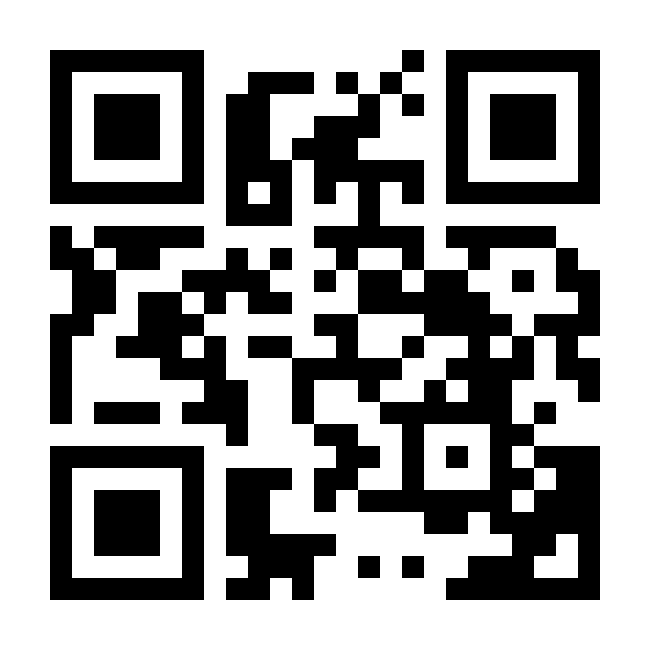
In this example, we remove the white background from a standard black-and-white QR code that contains a link to TechURLs. We set the threshold to 0% to remove only pure white pixels, keeping the black square modules sharp and unchanged. This leaves just the QR pattern, which fits naturally into our website's light-colored footer without an extra white rectangle.
In this example, we remove the background from a colorful recipe QR code containing cooking instructions for a spice package. Since the background is slightly cream-colored, we select that color and use a 15% threshold to remove it. We also enable smooth edges to keep the rounded QR modules looking clean.
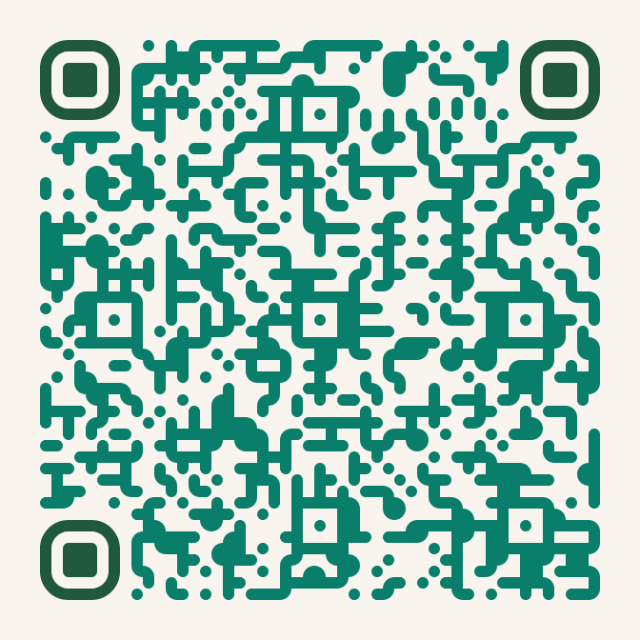
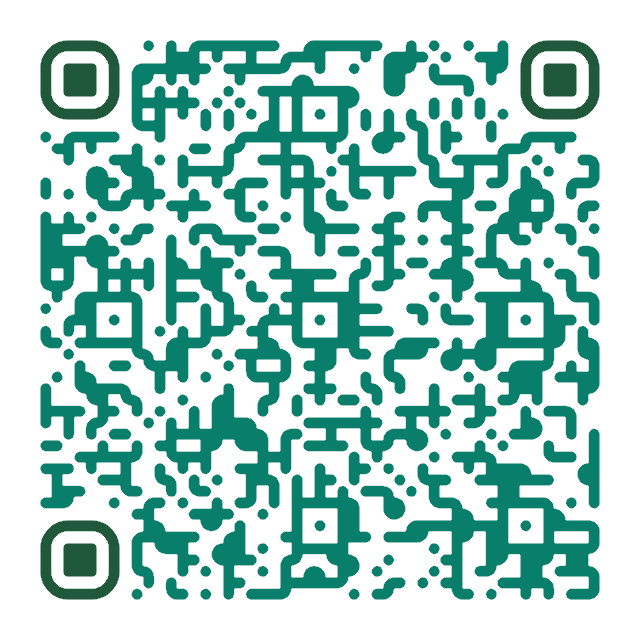
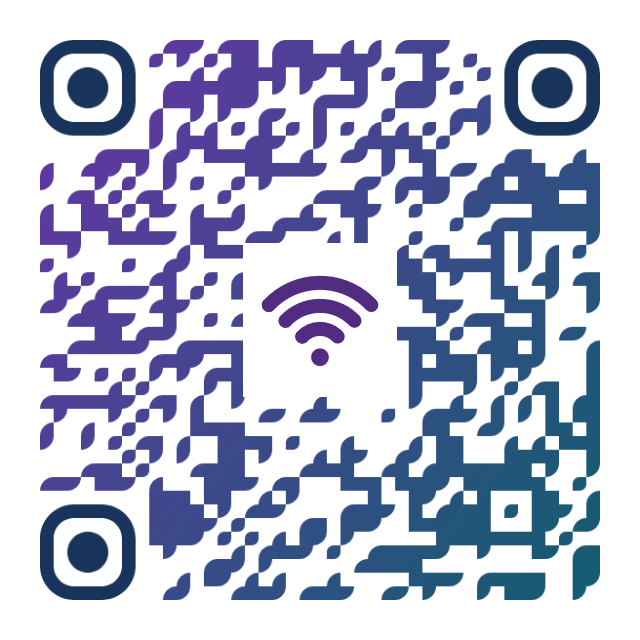
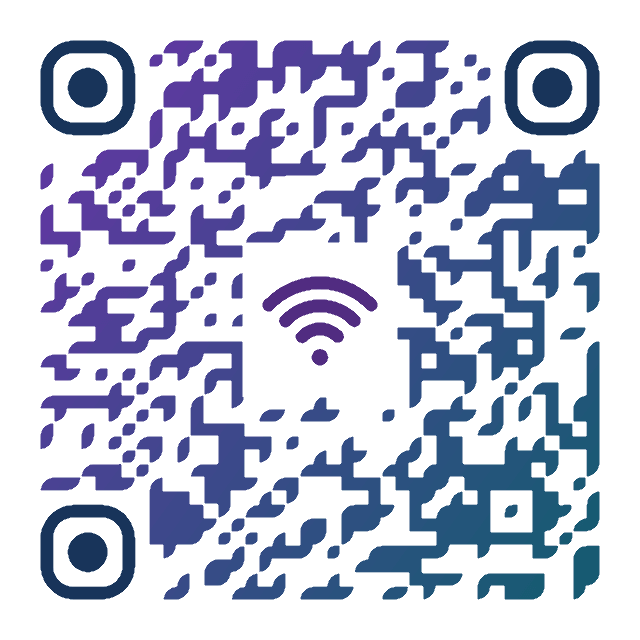
In this example, we remove the white background from a colorful gradient QR code that provides access to the art gallery Wi-Fi network. We use a relatively high threshold of 40% to remove white and near-white areas, with smooth edges enabled for cleaner transitions around the colorful pattern. The transparent code can then be displayed in different gallery rooms, where the walls have slightly different shades.
Read a QR code from an image and extract its contents.
Change the colors, size, and appearance of a QR code.
Place a custom logo or image in the center of a QR code.
Turn a QR code into a scalable SVG image.
Turn a QR code into a downloadable PNG file.
Create a QR code that links directly to a PDF document.
Create a QR code that lets customers leave a Google review.
Create a QR code that opens a restaurant's digital menu.
Create a QR code that opens a WhatsApp chat with a phone number.
Create a QR code that links directly to an Instagram profile.
Create a QR code that opens a YouTube video or channel.
Create a QR code that links to a Facebook page or profile.
Create a QR code that opens a TikTok profile or video.
Create a QR code that links to a LinkedIn profile or company page.
Create a QR code that opens a location in Google Maps.
Create a QR code containing event details, dates, and locations.
Create a QR code that opens a payment link or checkout page.
Create a QR code that links to an app in the App Store or Google Play.
Create a QR code that opens a Spotify song, album, or playlist.
Add a custom text label below a QR code, such as "Scan Me".
Surround a QR code with a customizable decorative frame.
Generate multiple QR codes at once from a list of text or URLs.
Arrange multiple QR codes on a printable sheet.
Test whether a QR code can be scanned and decoded correctly.
Subscribe to our updates. We'll let you know when we release new tools and features, and when we organize online workshops.
Enter your email here
We're Browserling – a friendly and fun cross-browser testing company powered by alien technology. At Browserling, our mission is to make people's lives easier, so we created this collection of QR code tools. Our tools have the simplest user interface that doesn't require advanced computer skills and they are used by millions of people every month. Behind the scenes, all QR tools are actually powered by our web developer tools that we created over the last couple of years. Check them out!