Quickly add a quiet zone around a QR code. Upload a QR code image in the tool below, then set the clear space (in pixels) on the left, right, top, and bottom, and choose its color. When the quiet zone is ready, download the updated QR code as a PNG. Fast, free, and easy to use. Created with love by team Browserling.
Quickly add a quiet zone around a QR code. Upload a QR code image in the tool below, then set the clear space (in pixels) on the left, right, top, and bottom, and choose its color. When the quiet zone is ready, download the updated QR code as a PNG. Fast, free, and easy to use. Created with love by team Browserling.
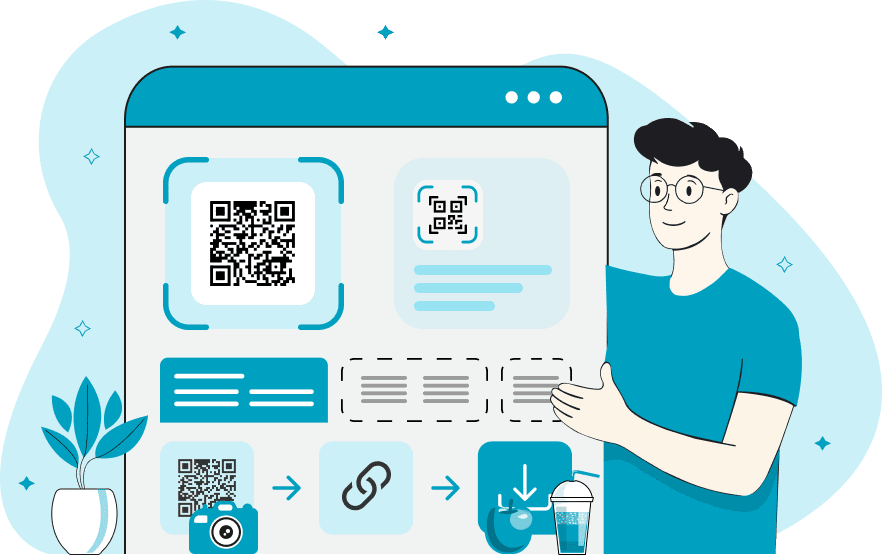
This online tool adds a quiet zone around a QR code image. A quiet zone is the empty area that separates the module pattern from anything next to it. Without enough clear space, text, logos, photos, or packaging artwork can crowd the pattern and make it harder for a scanner to locate the code. Use the four pixel options to extend the canvas independently on the left, right, top, and bottom. Equal values produce an even margin, while different values can compensate for a code that sits too close to one edge of its source image. Choose a single color for the added area. The default is white, a common background color for dark QR codes. If your QR code uses a different background color, you can select a matching color for the quiet zone. QR-tastic!
This online tool adds a quiet zone around a QR code image. A quiet zone is the empty area that separates the module pattern from anything next to it. Without enough clear space, text, logos, photos, or packaging artwork can crowd the pattern and make it harder for a scanner to locate the code. Use the four pixel options to extend the canvas independently on the left, right, top, and bottom. Equal values produce an even margin, while different values can compensate for a code that sits too close to one edge of its source image. Choose a single color for the added area. The default is white, a common background color for dark QR codes. If your QR code uses a different background color, you can select a matching color for the quiet zone. QR-tastic!
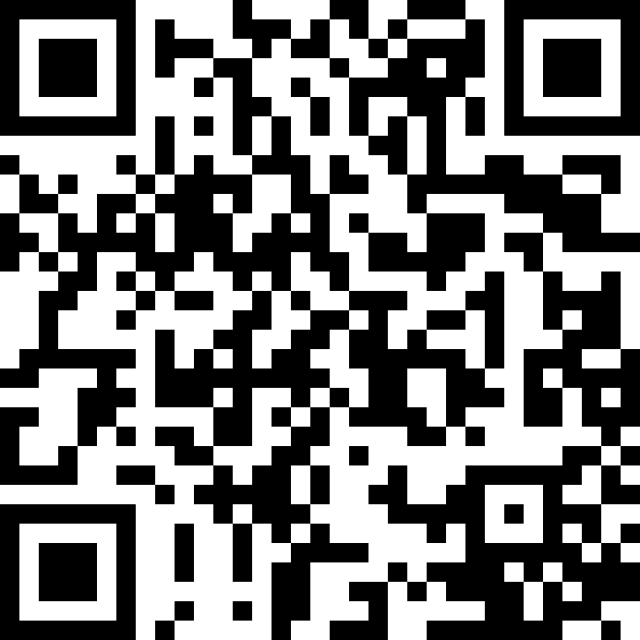
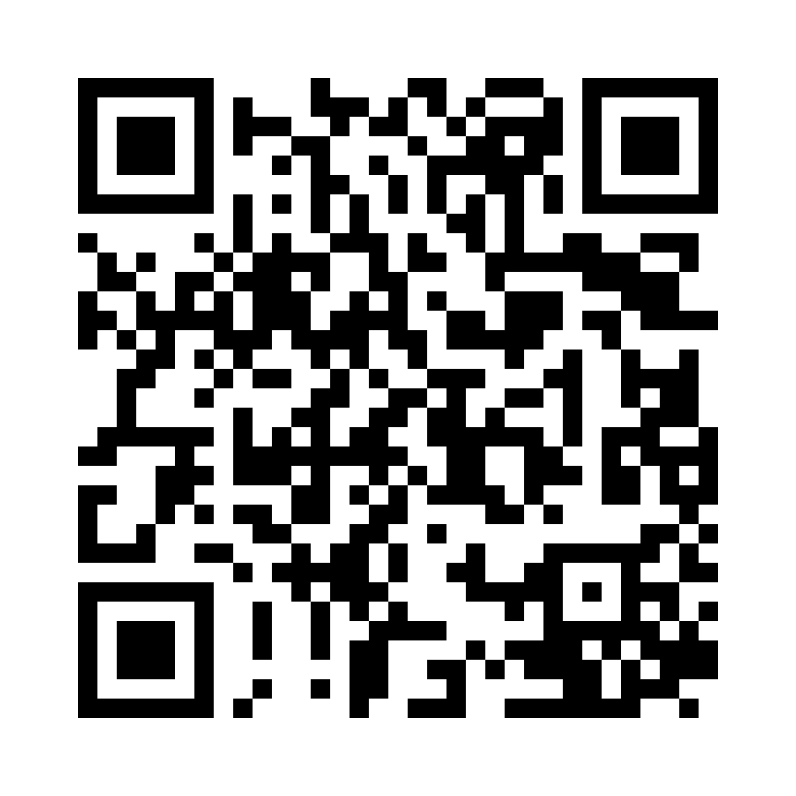
In this example, we upload a classic Wi-Fi QR code with no quiet zone and add 78 pixels of white space to all four sides. At this scale, the resulting quiet zone is approximately four modules wide, matching the standard minimum for reliable scanning.
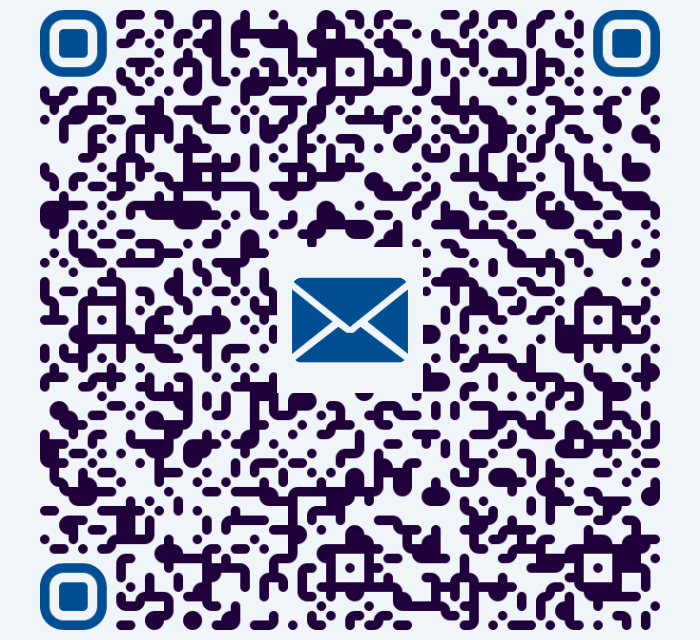
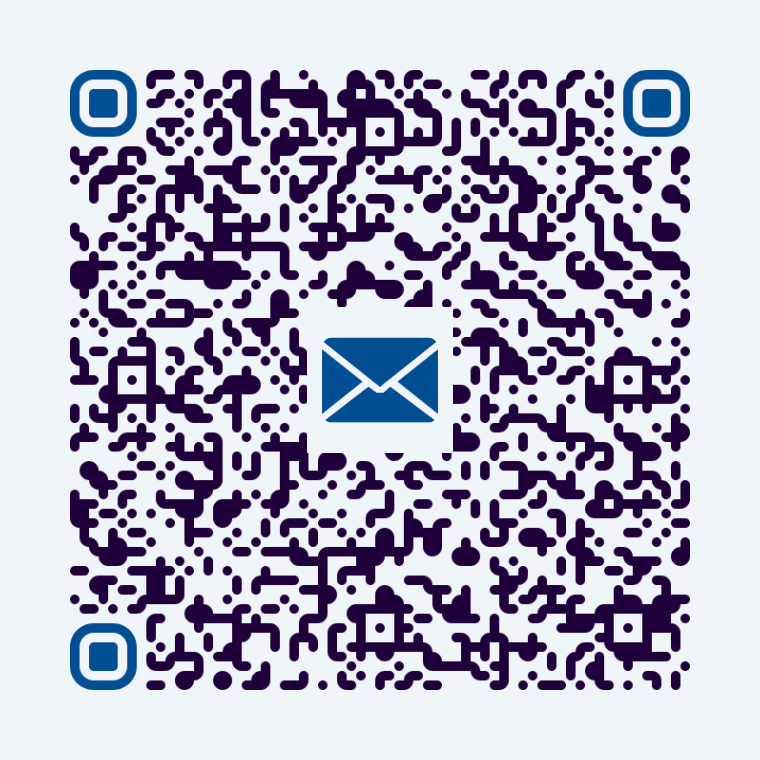
In this example, we add different quiet-zone widths to a QR code that opens a product return request email. Since the input has more clear space on the left and right, we add 30 pixels to those sides and 60 pixels above and below. We use a pale blue-gray fill that matches the QR background, creating a consistent quiet zone for reliable scanning.
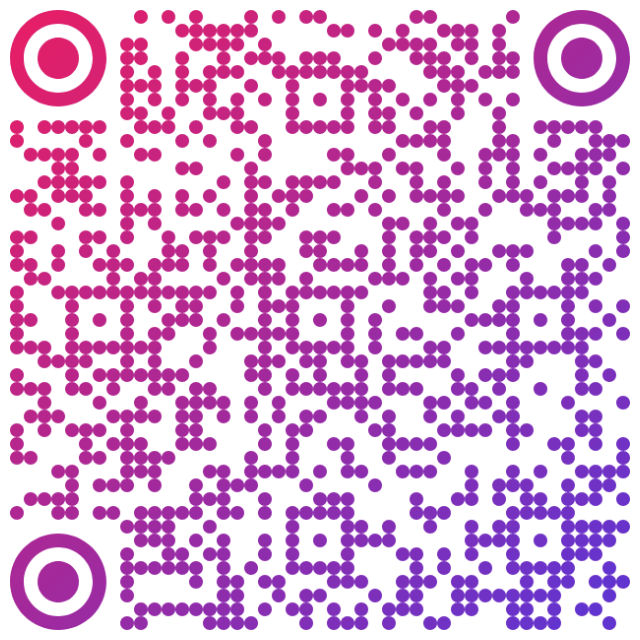
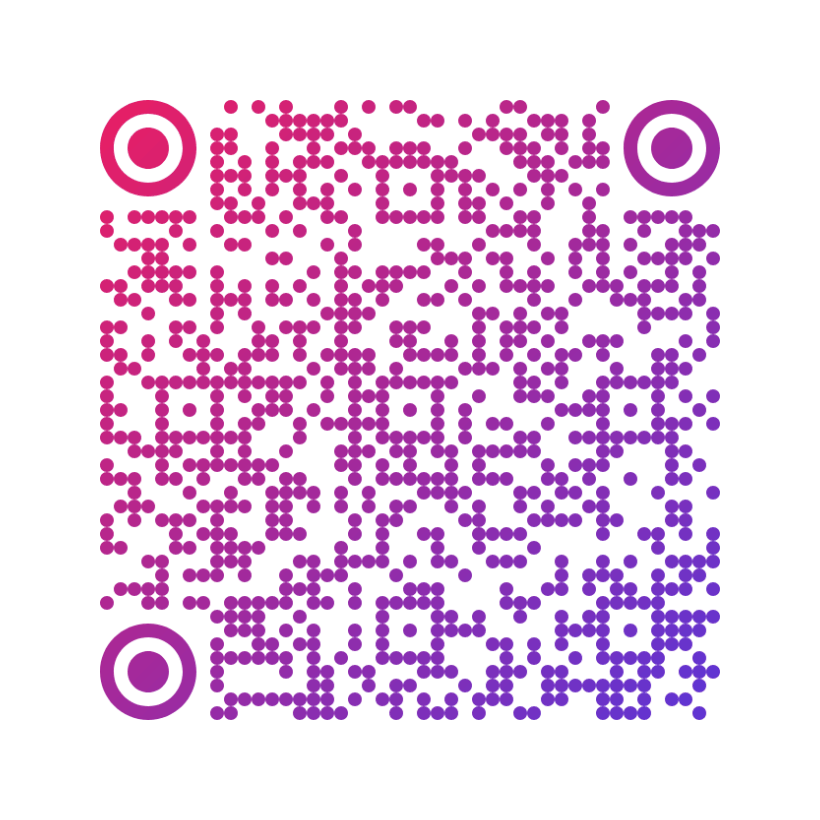
In this example, we add an even 90-pixel white quiet zone to a colorful QR code containing fruit chews flavor and storage information. This generous clear space separates the pattern from nearby package artwork and supports reliable scanning after the code is printed on the candy packaging.
Read a QR code from an image and extract its contents.
Change the colors, size, and appearance of a QR code.
Place a custom logo or image in the center of a QR code.
Turn a QR code into a scalable SVG image.
Turn a QR code into a downloadable PNG file.
Create a QR code that links directly to a PDF document.
Create a QR code that lets customers leave a Google review.
Create a QR code that opens a restaurant's digital menu.
Create a QR code that opens a WhatsApp chat with a phone number.
Create a QR code that links directly to an Instagram profile.
Create a QR code that opens a YouTube video or channel.
Create a QR code that links to a Facebook page or profile.
Create a QR code that opens a TikTok profile or video.
Create a QR code that links to a LinkedIn profile or company page.
Create a QR code that opens a location in Google Maps.
Create a QR code containing event details, dates, and locations.
Create a QR code that opens a payment link or checkout page.
Create a QR code that links to an app in the App Store or Google Play.
Create a QR code that opens a Spotify song, album, or playlist.
Add a custom text label below a QR code, such as "Scan Me".
Surround a QR code with a customizable decorative frame.
Generate multiple QR codes at once from a list of text or URLs.
Arrange multiple QR codes on a printable sheet.
Test whether a QR code can be scanned and decoded correctly.
Subscribe to our updates. We'll let you know when we release new tools and features, and when we organize online workshops.
Enter your email here
We're Browserling – a friendly and fun cross-browser testing company powered by alien technology. At Browserling, our mission is to make people's lives easier, so we created this collection of QR code tools. Our tools have the simplest user interface that doesn't require advanced computer skills and they are used by millions of people every month. Behind the scenes, all QR tools are actually powered by our web developer tools that we created over the last couple of years. Check them out!