Quickly create a different design for an existing QR code. Upload a QR image in the tool below, then choose new module and corner styles, set the background and a solid or gradient fill, add a center logo, and adjust the output dimensions, padding, and recovery level. When the new design is ready, download the rebuilt QR code as a PNG. Fast, free, and easy to use. Created with love by team Browserling.
Quickly create a different design for an existing QR code. Upload a QR image in the tool below, then choose new module and corner styles, set the background and a solid or gradient fill, add a center logo, and adjust the output dimensions, padding, and recovery level. When the new design is ready, download the rebuilt QR code as a PNG. Fast, free, and easy to use. Created with love by team Browserling.
This online tool lets you create a new design for an existing QR code while keeping the information stored inside it. Upload an image with a readable QR code, and the tool decodes its content and uses that content to generate a new QR image. Scanning the redesigned QR code gives you the same information as the original, with only its appearance changed. Start by choosing a new pattern for the small QR modules. Available designs include squares, dots, rounded and extra-rounded shapes, and two classy styles. For the three corner markers, reshape the surrounding frames and the shapes inside them, with independent colors for each part. For the new color scheme, choose a background and fill the pattern with either one color or a gradient. A gradient blends two colors, and its angle controls the direction of the transition. The background can also be transparent, allowing you to place the finished QR on a light surface without a solid box behind it. To complete the design, add a built-in Wi-Fi, link, text, contact, email, message, or phone icon in the center. Keep the center symbol in the same palette, or choose a different color for it. Choose the square output dimensions and leave a clear margin between the QR modules and the image edges. The recovery level determines how much data can be recovered if the QR code is damaged or partly covered, with L, M, Q, and H providing increasing recovery strength. Save the finished PNG, then test its readability at the size you plan to use. To inspect the stored information separately, try our Decode a QR Code tool. QR-tastic!
This online tool lets you create a new design for an existing QR code while keeping the information stored inside it. Upload an image with a readable QR code, and the tool decodes its content and uses that content to generate a new QR image. Scanning the redesigned QR code gives you the same information as the original, with only its appearance changed. Start by choosing a new pattern for the small QR modules. Available designs include squares, dots, rounded and extra-rounded shapes, and two classy styles. For the three corner markers, reshape the surrounding frames and the shapes inside them, with independent colors for each part. For the new color scheme, choose a background and fill the pattern with either one color or a gradient. A gradient blends two colors, and its angle controls the direction of the transition. The background can also be transparent, allowing you to place the finished QR on a light surface without a solid box behind it. To complete the design, add a built-in Wi-Fi, link, text, contact, email, message, or phone icon in the center. Keep the center symbol in the same palette, or choose a different color for it. Choose the square output dimensions and leave a clear margin between the QR modules and the image edges. The recovery level determines how much data can be recovered if the QR code is damaged or partly covered, with L, M, Q, and H providing increasing recovery strength. Save the finished PNG, then test its readability at the size you plan to use. To inspect the stored information separately, try our Decode a QR Code tool. QR-tastic!
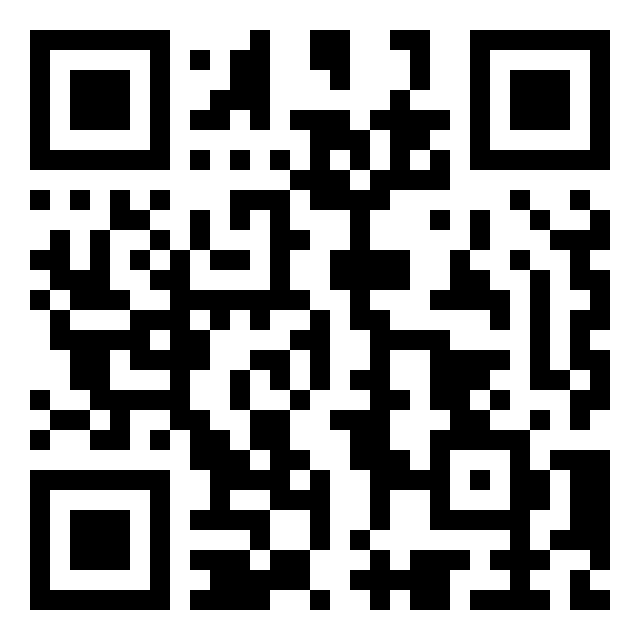
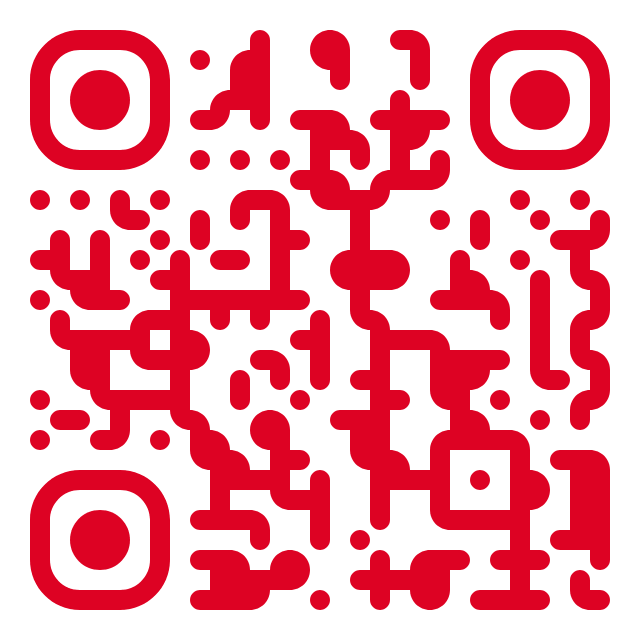
In this example, we redesign a classic black-and-white QR code that opens Browserling's Pinterest profile. We replace its square modules with a bright crimson pattern with extra-rounded modules and rounded corner frames. The single-color design gives the code a different look while keeping the original Pinterest link.
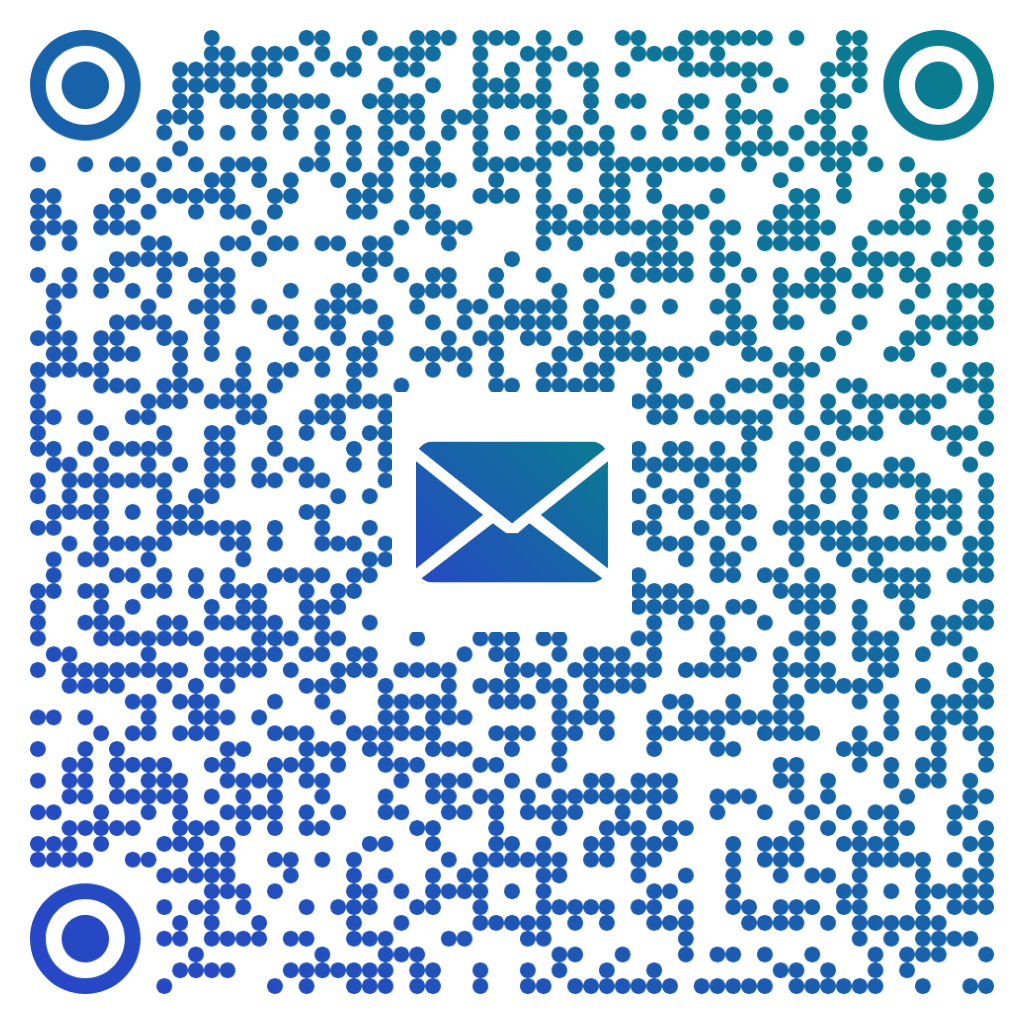
In this example, we restyle an email QR code for a winter clothing donation request. We replace the orange-to-pink gradient and classy modules with a teal-to-blue blend and round modules, then add an envelope logo. The redesigned code keeps the same recipient and preserves the prepared message.
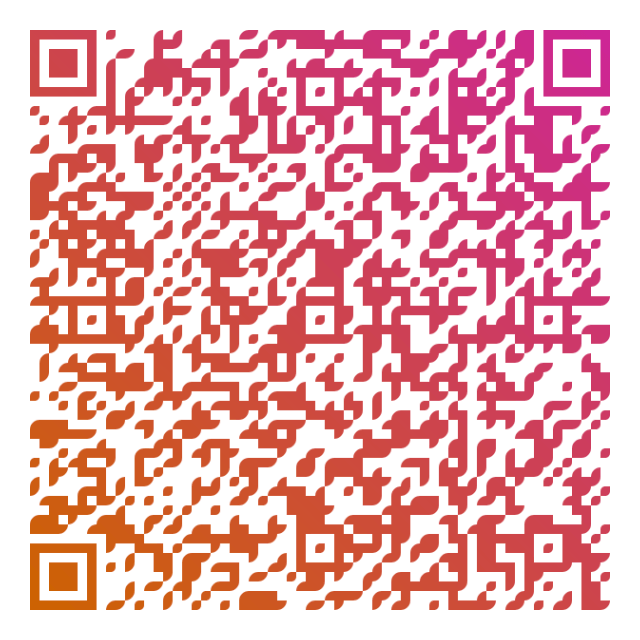
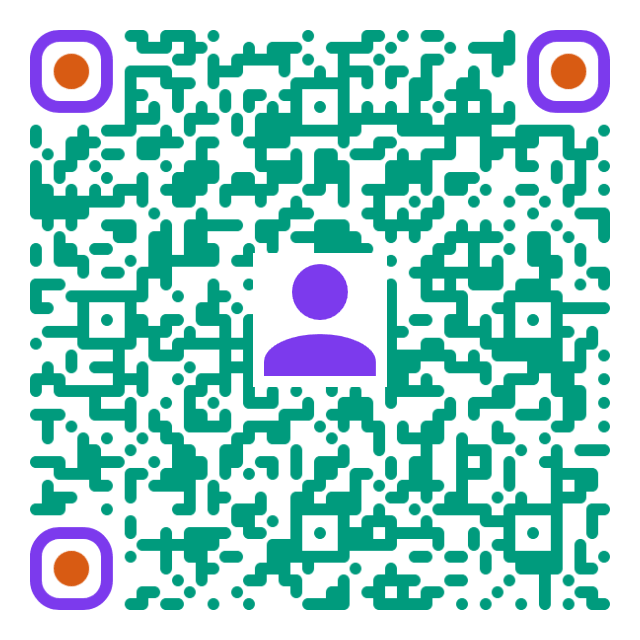
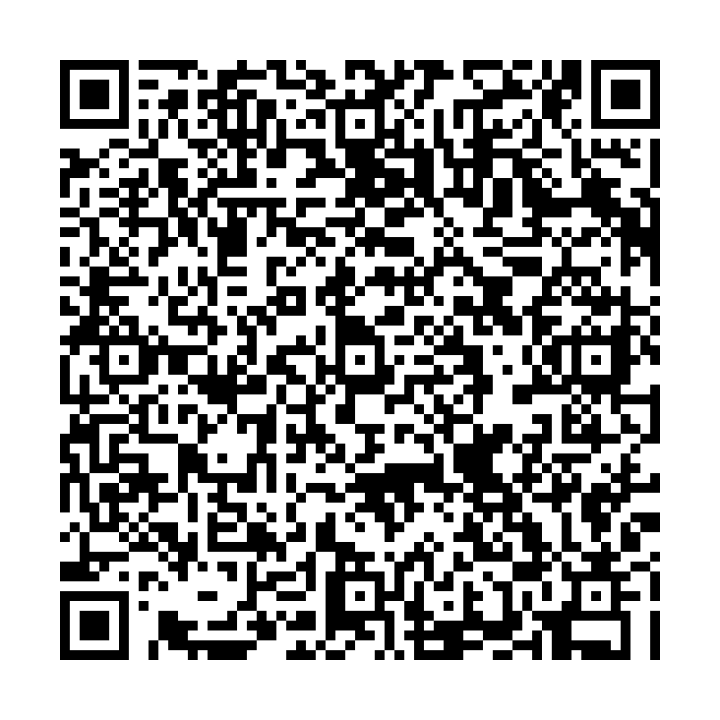
In this example, we turn Mila Vesk's colorful vCard QR code into a classic black-and-white design for a business card. We replace the rounded pattern, purple corner frames, orange centers, and profile logo with plain black squares on white. We also enlarge the image from 640×640 to 720×720 pixels and increase recovery from Medium (M) to Highest (H), adding more error correction to help the contact details stay readable as the card becomes worn.
Read a QR code from an image and extract its contents.
Change the colors, size, and appearance of a QR code.
Place a custom logo or image in the center of a QR code.
Turn a QR code into a scalable SVG image.
Turn a QR code into a downloadable PNG file.
Create a QR code that links directly to a PDF document.
Create a QR code that lets customers leave a Google review.
Create a QR code that opens a restaurant's digital menu.
Create a QR code that opens a WhatsApp chat with a phone number.
Create a QR code that links directly to an Instagram profile.
Create a QR code that opens a YouTube video or channel.
Create a QR code that links to a Facebook page or profile.
Create a QR code that opens a TikTok profile or video.
Create a QR code that links to a LinkedIn profile or company page.
Create a QR code that opens a location in Google Maps.
Create a QR code containing event details, dates, and locations.
Create a QR code that opens a payment link or checkout page.
Create a QR code that links to an app in the App Store or Google Play.
Create a QR code that opens a Spotify song, album, or playlist.
Add a custom text label below a QR code, such as "Scan Me".
Surround a QR code with a customizable decorative frame.
Generate multiple QR codes at once from a list of text or URLs.
Arrange multiple QR codes on a printable sheet.
Test whether a QR code can be scanned and decoded correctly.
Subscribe to our updates. We'll let you know when we release new tools and features, and when we organize online workshops.
Enter your email here
We're Browserling – a friendly and fun cross-browser testing company powered by alien technology. At Browserling, our mission is to make people's lives easier, so we created this collection of QR code tools. Our tools have the simplest user interface that doesn't require advanced computer skills and they are used by millions of people every month. Behind the scenes, all QR tools are actually powered by our web developer tools that we created over the last couple of years. Check them out!