Quickly add a custom drop shadow to a QR code image. Upload your QR code to the tool below, then set the shadow position, blur, color, padding, and optional corner rounding. When the shadowed QR code is ready, download it as a PNG. Fast, free, and easy to use. Created with love by team Browserling.
Quickly add a custom drop shadow to a QR code image. Upload your QR code to the tool below, then set the shadow position, blur, color, padding, and optional corner rounding. When the shadowed QR code is ready, download it as a PNG. Fast, free, and easy to use. Created with love by team Browserling.

This online tool adds a shadow to a QR code image. It makes the QR code look like a floating card and helps it stand out from the surrounding background. This effect visually separates the QR code from other elements on websites, digital business cards, product packaging, and other designs. In the options, adjust the horizontal and vertical offsets to choose the shadow direction. Positive values move it right or down, while negative values move it left or up. Increase the blur for a soft, diffused shadow, or reduce it for a sharper, more defined effect. Choose any shadow color to match your design, and adjust the padding to add transparent space around the completed image. You can also enable rounded corners and set individual corner radii to create a smooth, card-like shape or a more decorative design. QR-tastic!
This online tool adds a shadow to a QR code image. It makes the QR code look like a floating card and helps it stand out from the surrounding background. This effect visually separates the QR code from other elements on websites, digital business cards, product packaging, and other designs. In the options, adjust the horizontal and vertical offsets to choose the shadow direction. Positive values move it right or down, while negative values move it left or up. Increase the blur for a soft, diffused shadow, or reduce it for a sharper, more defined effect. Choose any shadow color to match your design, and adjust the padding to add transparent space around the completed image. You can also enable rounded corners and set individual corner radii to create a smooth, card-like shape or a more decorative design. QR-tastic!
In this example, we add a subtle shadow to a classic black-and-white QR code that links to SciURLs, one of our other projects. We set both shadow offsets to zero and use a 22-pixel blur with semi-transparent black, creating a soft, even shadow on all sides. The result is a clean, slightly elevated QR code that fits perfectly on our main website.
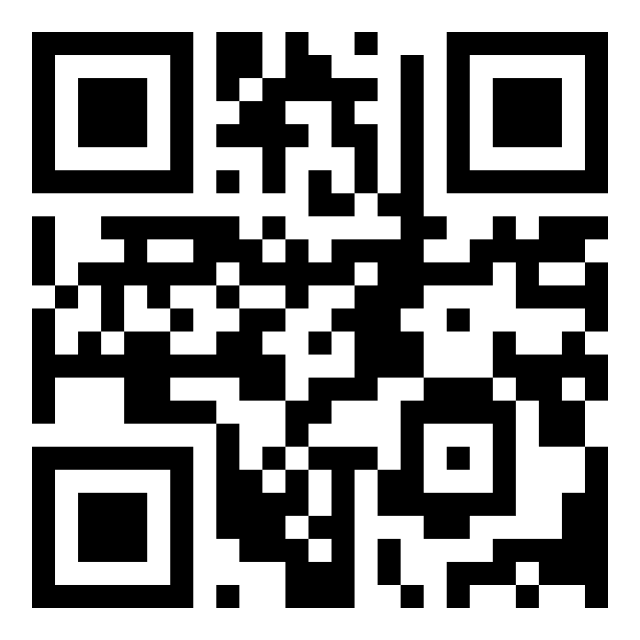
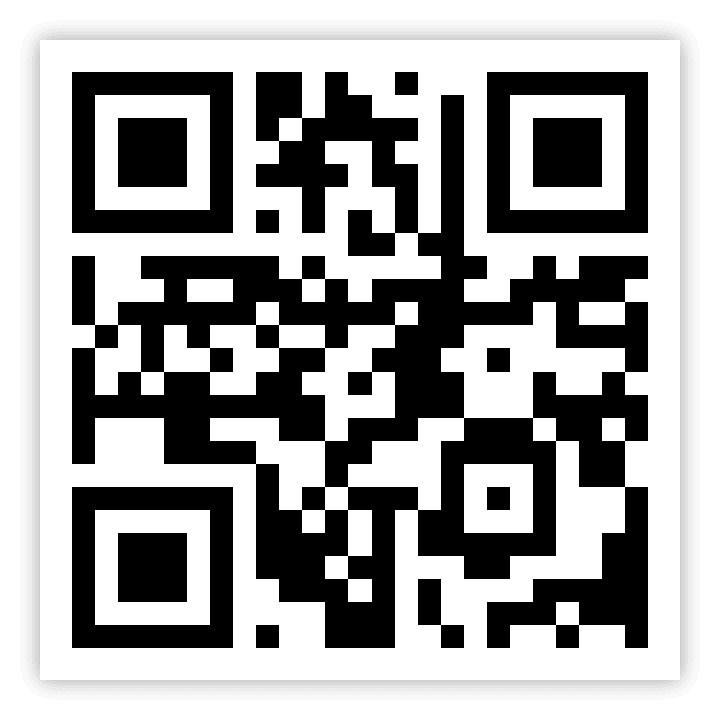
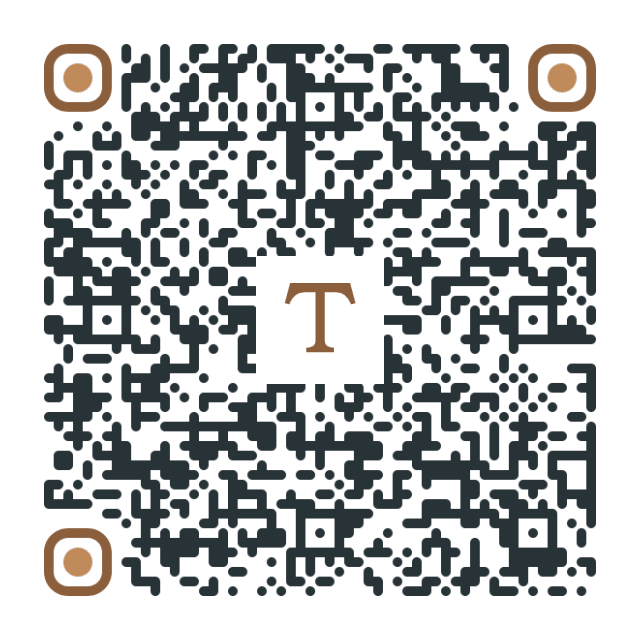
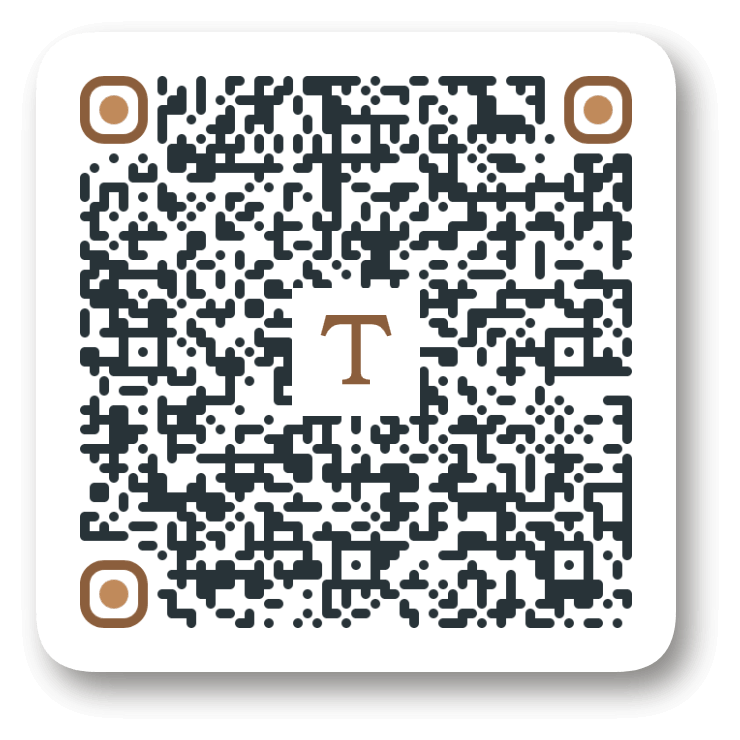
In this example, we enhance a QR code containing information about a Roman ceramic oil lamp. We round all four corners with a 60-pixel radius to match the code's rounded modules and add a natural-looking dark shadow with a 14-pixel horizontal offset, an 18-pixel vertical offset, and a 30-pixel blur. This creates a subtle floating effect that helps the QR code stand out on a museum display label.
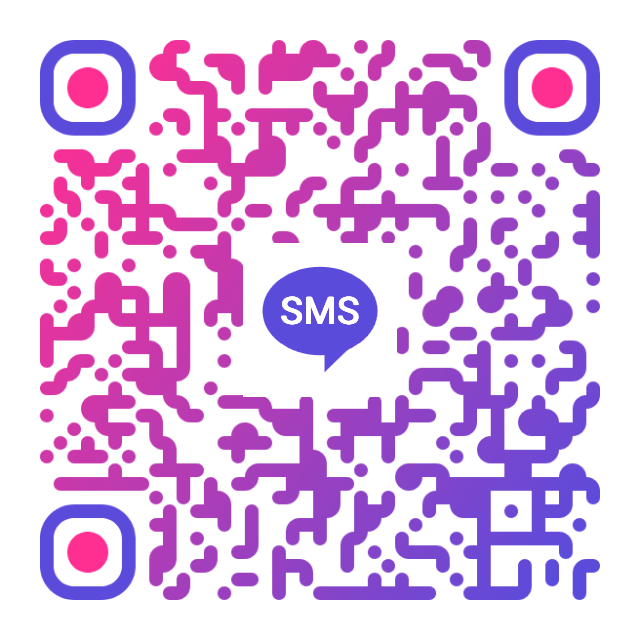
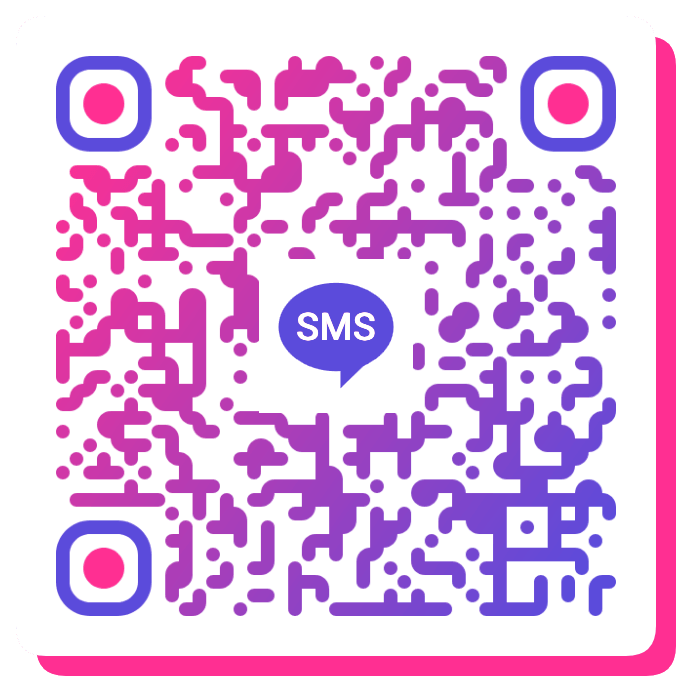
In this example, we decorate a colorful SMS QR code that lets guests request their photo booth pictures with a prefilled message. To complement its vibrant gradient, we add a bright pink shadow with a 20-pixel offset in both directions and zero blur for a sharp, solid effect. We also round the corners with a 30-pixel radius to create an eye-catching design for a party poster.
Read a QR code from an image and extract its contents.
Change the colors, size, and appearance of a QR code.
Place a custom logo or image in the center of a QR code.
Turn a QR code into a scalable SVG image.
Turn a QR code into a downloadable PNG file.
Create a QR code that links directly to a PDF document.
Create a QR code that lets customers leave a Google review.
Create a QR code that opens a restaurant's digital menu.
Create a QR code that opens a WhatsApp chat with a phone number.
Create a QR code that links directly to an Instagram profile.
Create a QR code that opens a YouTube video or channel.
Create a QR code that links to a Facebook page or profile.
Create a QR code that opens a TikTok profile or video.
Create a QR code that links to a LinkedIn profile or company page.
Create a QR code that opens a location in Google Maps.
Create a QR code containing event details, dates, and locations.
Create a QR code that opens a payment link or checkout page.
Create a QR code that links to an app in the App Store or Google Play.
Create a QR code that opens a Spotify song, album, or playlist.
Add a custom text label below a QR code, such as "Scan Me".
Surround a QR code with a customizable decorative frame.
Generate multiple QR codes at once from a list of text or URLs.
Arrange multiple QR codes on a printable sheet.
Test whether a QR code can be scanned and decoded correctly.
Subscribe to our updates. We'll let you know when we release new tools and features, and when we organize online workshops.
Enter your email here
We're Browserling – a friendly and fun cross-browser testing company powered by alien technology. At Browserling, our mission is to make people's lives easier, so we created this collection of QR code tools. Our tools have the simplest user interface that doesn't require advanced computer skills and they are used by millions of people every month. Behind the scenes, all QR tools are actually powered by our web developer tools that we created over the last couple of years. Check them out!