Quickly extract information from QR code images, including URLs, plain text, Wi-Fi credentials, contact details, messages, and other encoded data. Upload an image to the tool below and see its decoded content, with structured information organized into readable fields. You can also identify the data type and switch to the original unformatted text when needed. Fast, free, and easy to use. Created with love by team Browserling.
Quickly extract information from QR code images, including URLs, plain text, Wi-Fi credentials, contact details, messages, and other encoded data. Upload an image to the tool below and see its decoded content, with structured information organized into readable fields. You can also identify the data type and switch to the original unformatted text when needed. Fast, free, and easy to use. Created with love by team Browserling.

This online QR code decoder lets you read the information stored in QR code images and convert it into understandable text. To get started, simply upload an image containing a QR code, and the tool will analyze its pattern, recover the encoded information, and display the result in the output area. Depending on how the QR code was created, it may contain a website address, a Wi-Fi password, contact information, a phone number, an email, SMS message details, geographic coordinates, a calendar event, or plain text. The decoder recognizes these formats and automatically organizes structured content into convenient fields. For example, a QR code for an SMS message can reveal the recipient's phone number and the prepared message text, while a location QR code can provide a place's latitude and longitude. If you want to see the original encoded content instead, enable the "Display Unformatted Data" checkbox in the options. This will display the decoded text exactly as it was stored in the QR code, preserving its original structure, including special characters and formatting. You can also find the automatically detected data type in the "Detected Content Type" section of the options, which helps you identify what kind of information the QR code contains. To turn your text, links, or other information into a scannable QR image, use our Create a QR Code tool. QR-tastic!
This online QR code decoder lets you read the information stored in QR code images and convert it into understandable text. To get started, simply upload an image containing a QR code, and the tool will analyze its pattern, recover the encoded information, and display the result in the output area. Depending on how the QR code was created, it may contain a website address, a Wi-Fi password, contact information, a phone number, an email, SMS message details, geographic coordinates, a calendar event, or plain text. The decoder recognizes these formats and automatically organizes structured content into convenient fields. For example, a QR code for an SMS message can reveal the recipient's phone number and the prepared message text, while a location QR code can provide a place's latitude and longitude. If you want to see the original encoded content instead, enable the "Display Unformatted Data" checkbox in the options. This will display the decoded text exactly as it was stored in the QR code, preserving its original structure, including special characters and formatting. You can also find the automatically detected data type in the "Detected Content Type" section of the options, which helps you identify what kind of information the QR code contains. To turn your text, links, or other information into a scannable QR image, use our Create a QR Code tool. QR-tastic!
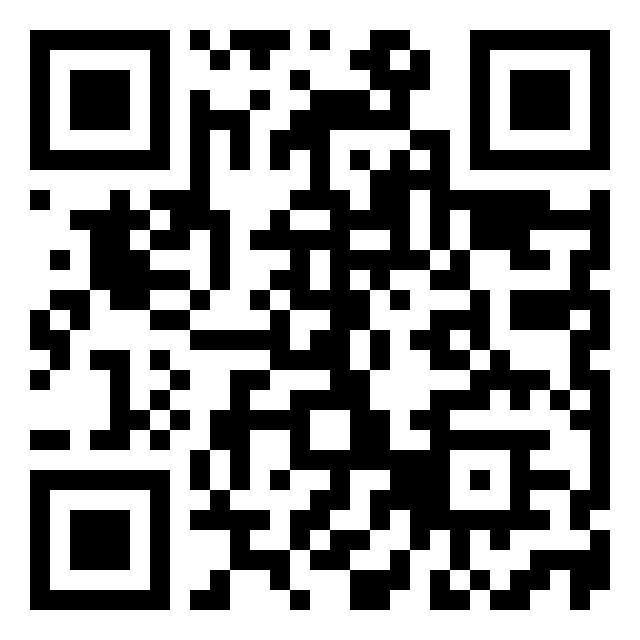
In this example, we decode a QR code with a familiar black pixel pattern on a white background. It stores a link to Browserling's Facebook page, and the tool extracts the full website address and displays it in an easy-to-copy form.
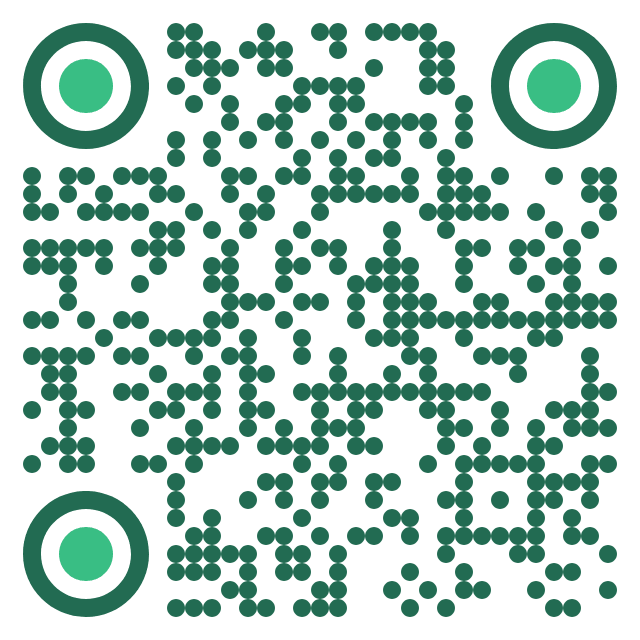
This example decodes a green QR code with a friendly, rounded dot pattern. It stores the connection record for the "Royal Garden Hotel" Wi-Fi network, and the tool turns it into readable details such as the network name and guest password.
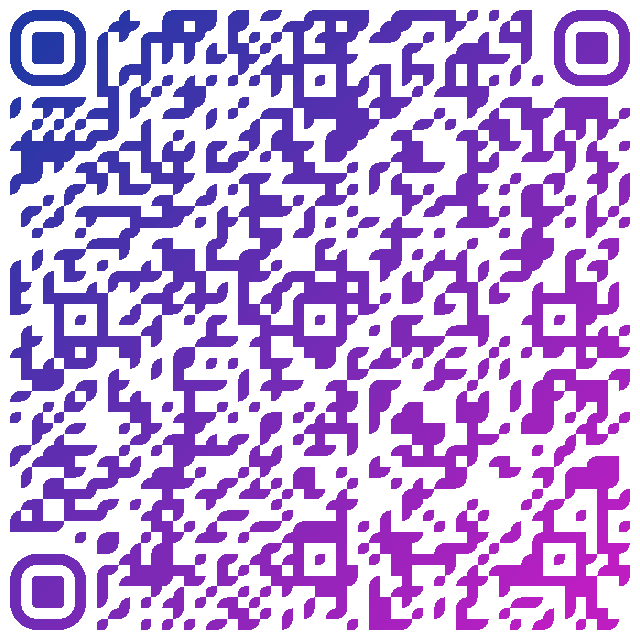
In this example, we read a dense QR code with a purple gradient and a decorative pattern. It contains calendar data for a weekend workshop. With "Display Unformatted Data" enabled, the tool shows the raw data, preserving the original event structure with its title, schedule, Clay House Studio location, and other details.
Read a QR code from an image and extract its contents.
Change the colors, size, and appearance of a QR code.
Place a custom logo or image in the center of a QR code.
Turn a QR code into a scalable SVG image.
Turn a QR code into a downloadable PNG file.
Create a QR code that links directly to a PDF document.
Create a QR code that lets customers leave a Google review.
Create a QR code that opens a restaurant's digital menu.
Create a QR code that opens a WhatsApp chat with a phone number.
Create a QR code that links directly to an Instagram profile.
Create a QR code that opens a YouTube video or channel.
Create a QR code that links to a Facebook page or profile.
Create a QR code that opens a TikTok profile or video.
Create a QR code that links to a LinkedIn profile or company page.
Create a QR code that opens a location in Google Maps.
Create a QR code containing event details, dates, and locations.
Create a QR code that opens a payment link or checkout page.
Create a QR code that links to an app in the App Store or Google Play.
Create a QR code that opens a Spotify song, album, or playlist.
Add a custom text label below a QR code, such as "Scan Me".
Surround a QR code with a customizable decorative frame.
Generate multiple QR codes at once from a list of text or URLs.
Arrange multiple QR codes on a printable sheet.
Test whether a QR code can be scanned and decoded correctly.
Subscribe to our updates. We'll let you know when we release new tools and features, and when we organize online workshops.
Enter your email here
We're Browserling – a friendly and fun cross-browser testing company powered by alien technology. At Browserling, our mission is to make people's lives easier, so we created this collection of QR code tools. Our tools have the simplest user interface that doesn't require advanced computer skills and they are used by millions of people every month. Behind the scenes, all QR tools are actually powered by our web developer tools that we created over the last couple of years. Check them out!