Quickly add a border around any QR code. Upload a QR code image in the tool below, then adjust the border width on each side, select a solid color or gradient, and optionally round the corners. When the bordered QR code is ready, download it as a PNG. Fast, free, and easy to use. Created with love by team Browserling.
Quickly add a border around any QR code. Upload a QR code image in the tool below, then adjust the border width on each side, select a solid color or gradient, and optionally round the corners. When the bordered QR code is ready, download it as a PNG. Fast, free, and easy to use. Created with love by team Browserling.

This online tool adds a customizable border around a QR code image. The new border is drawn beyond the original canvas, increasing the image dimensions without covering the QR pattern. In the options, you can specify exactly how many border pixels to add to the left, right, top, and bottom sides. When the border color matches the background behind the QR modules, the added area can extend the code's quiet zone. This clear space helps scanners distinguish the outer boundaries of the QR code and read it correctly. Using different widths on opposite sides can also reposition the QR code within the enlarged canvas, making it easier to center or align in a label, card, poster, or other layout. The border can also serve as a decorative frame. Fill it with a solid color that matches the QR modules, or create a linear gradient by choosing two colors and setting the gradient angle. Additionally, you can round the border and enter a separate radius for each corner. This creates a softer sticker-style design that pairs especially well with QR codes made from rounded modules. QR-tastic!
This online tool adds a customizable border around a QR code image. The new border is drawn beyond the original canvas, increasing the image dimensions without covering the QR pattern. In the options, you can specify exactly how many border pixels to add to the left, right, top, and bottom sides. When the border color matches the background behind the QR modules, the added area can extend the code's quiet zone. This clear space helps scanners distinguish the outer boundaries of the QR code and read it correctly. Using different widths on opposite sides can also reposition the QR code within the enlarged canvas, making it easier to center or align in a label, card, poster, or other layout. The border can also serve as a decorative frame. Fill it with a solid color that matches the QR modules, or create a linear gradient by choosing two colors and setting the gradient angle. Additionally, you can round the border and enter a separate radius for each corner. This creates a softer sticker-style design that pairs especially well with QR codes made from rounded modules. QR-tastic!
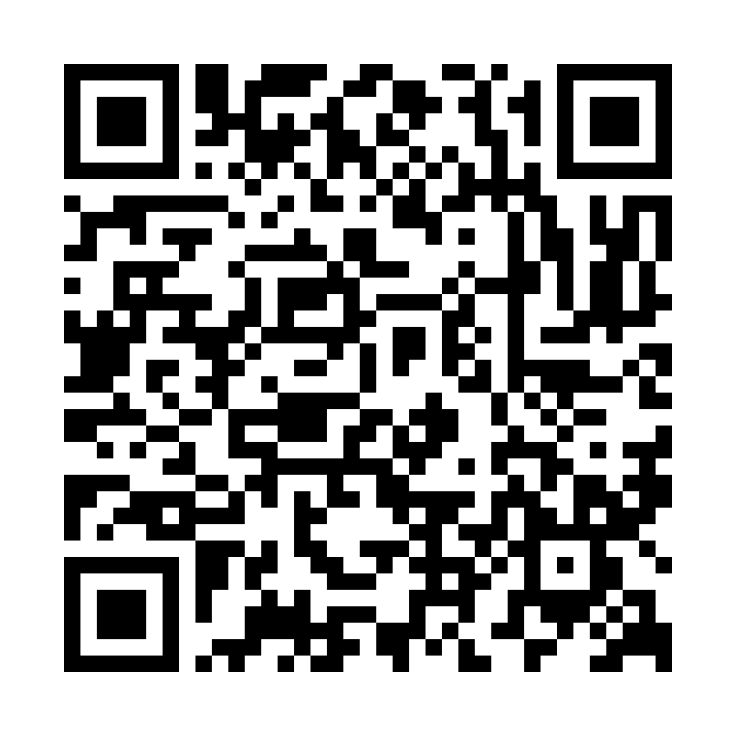
In this example, we add a white border to a classic black-and-white QR code for the Golden Horizon Hotel Wi-Fi network. The code stores the WPA network name and password and already includes only a very narrow white margin. We extend all four sides by 48 pixels, creating a much wider clear area around the QR pattern. This extra space helps scanners detect the code more easily.
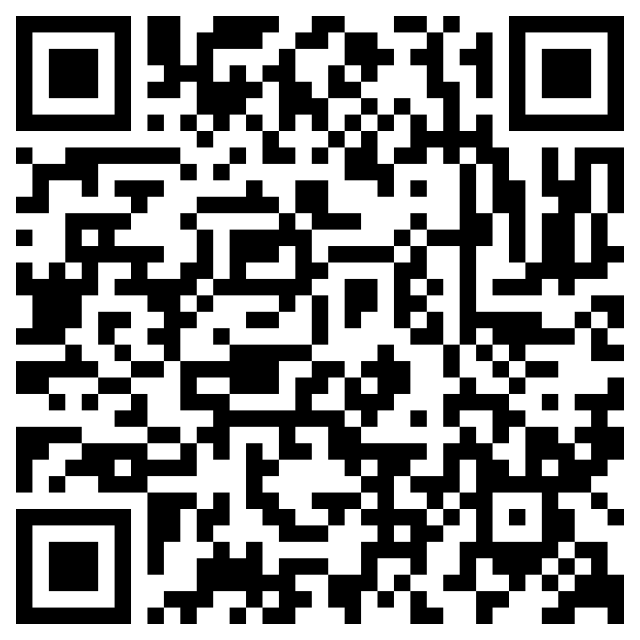
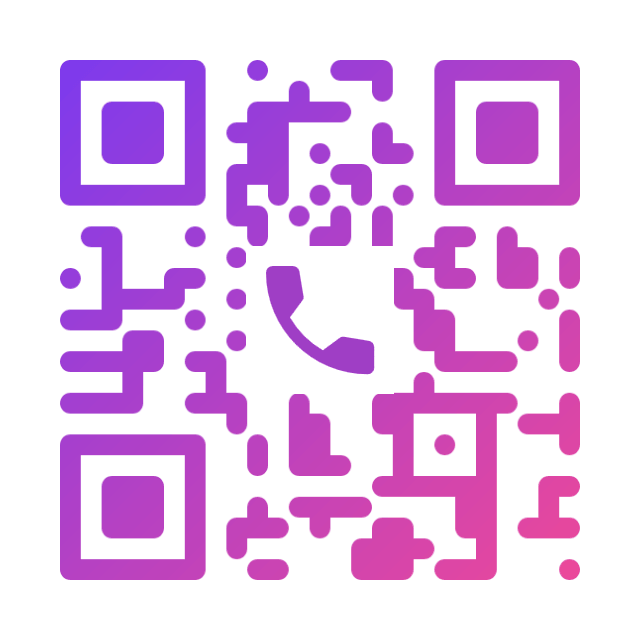
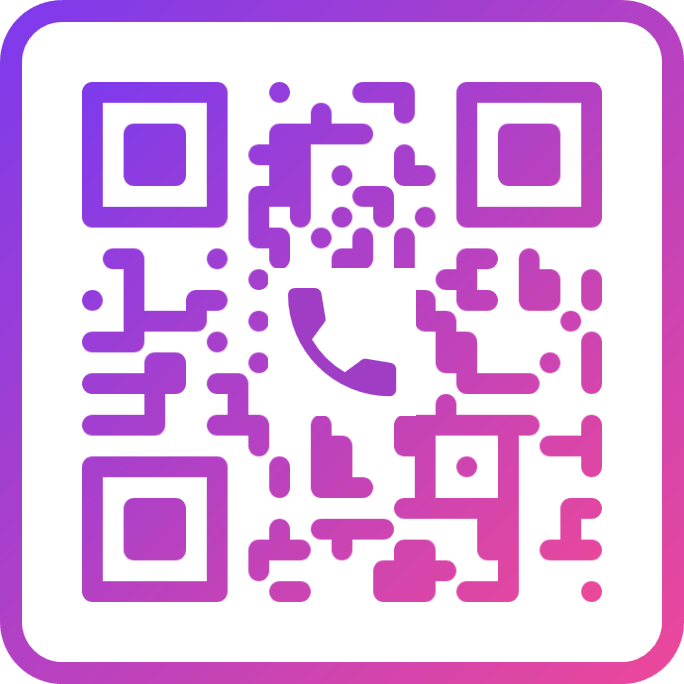
In this example, we decorate a phone QR code for a wedding and event planner's business card. We add a 22-pixel border, slightly thicker than the QR code's modules. Since the code uses a purple-to-pink gradient, we apply a matching gradient to the border. We also round the border's corners to complement the QR code's rounded modules. The result is an elegant frame that completes the design and fits beautifully on a wedding planner's business card.
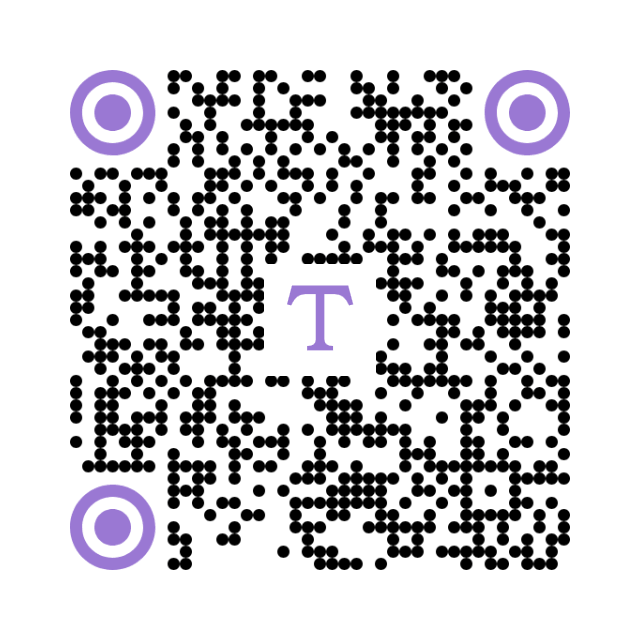
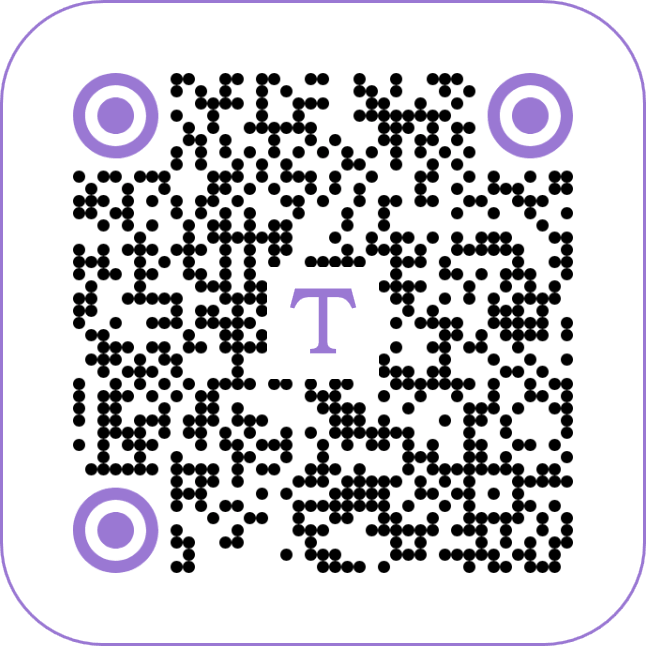
In this example, we decorate a QR code containing brewing instructions for an herbal tea package. We add a thin lavender border, just 3 pixels wide on each side, and round all four corners with a 100-pixel radius. We also use a transparent background to keep the rounded corners clean when placing the code on the packaging.
Read a QR code from an image and extract its contents.
Change the colors, size, and appearance of a QR code.
Place a custom logo or image in the center of a QR code.
Turn a QR code into a scalable SVG image.
Turn a QR code into a downloadable PNG file.
Create a QR code that links directly to a PDF document.
Create a QR code that lets customers leave a Google review.
Create a QR code that opens a restaurant's digital menu.
Create a QR code that opens a WhatsApp chat with a phone number.
Create a QR code that links directly to an Instagram profile.
Create a QR code that opens a YouTube video or channel.
Create a QR code that links to a Facebook page or profile.
Create a QR code that opens a TikTok profile or video.
Create a QR code that links to a LinkedIn profile or company page.
Create a QR code that opens a location in Google Maps.
Create a QR code containing event details, dates, and locations.
Create a QR code that opens a payment link or checkout page.
Create a QR code that links to an app in the App Store or Google Play.
Create a QR code that opens a Spotify song, album, or playlist.
Add a custom text label below a QR code, such as "Scan Me".
Surround a QR code with a customizable decorative frame.
Generate multiple QR codes at once from a list of text or URLs.
Arrange multiple QR codes on a printable sheet.
Test whether a QR code can be scanned and decoded correctly.
Subscribe to our updates. We'll let you know when we release new tools and features, and when we organize online workshops.
Enter your email here
We're Browserling – a friendly and fun cross-browser testing company powered by alien technology. At Browserling, our mission is to make people's lives easier, so we created this collection of QR code tools. Our tools have the simplest user interface that doesn't require advanced computer skills and they are used by millions of people every month. Behind the scenes, all QR tools are actually powered by our web developer tools that we created over the last couple of years. Check them out!