Quickly give a colored QR code a classic black-and-white appearance. Upload a QR image in the tool below, then choose module and corner shapes, add an optional icon, and set the size, padding, and error correction. When the black-and-white version is ready, download the classic QR code as a PNG. Fast, free, and easy to use. Created with love by team Browserling.
Quickly give a colored QR code a classic black-and-white appearance. Upload a QR image in the tool below, then choose module and corner shapes, add an optional icon, and set the size, padding, and error correction. When the black-and-white version is ready, download the classic QR code as a PNG. Fast, free, and easy to use. Created with love by team Browserling.

This online black and white QR code converter replaces a colored QR design with a simple black pattern on white. It scans the image you upload and rebuilds the QR code using the information it reads. The familiar black pattern on white makes the result readily recognizable as a QR code and can invite people to scan it. Its restrained style fits many layouts and uses. By default, the tool creates a classic QR code with square black modules on a white background. If needed, you can adjust these colors in the options, for example by choosing dark gray modules or reversing the black and white colors. You can also replace the square modules with rounded shapes, circles, or styles with diagonally elongated modules. You can shape the three large corner markers separately, selecting an outer frame and an inner center for each. To indicate the type of information stored in the code, you can place a central icon. Available options include Wi-Fi, link, text, vCard, email, SMS, and phone icons. You can set the size of the black and white QR code using one value that controls both its width and height, and add padding around the edges. The error correction setting determines how much extra recovery data is included to help read the code if parts become damaged or covered. Changing this level may rearrange the modules, but the decoded link, text, or other content remains unchanged. If you want to generate a more creative QR design with bright colors and gradients, use our Change QR Code Design tool. QR-tastic!
This online black and white QR code converter replaces a colored QR design with a simple black pattern on white. It scans the image you upload and rebuilds the QR code using the information it reads. The familiar black pattern on white makes the result readily recognizable as a QR code and can invite people to scan it. Its restrained style fits many layouts and uses. By default, the tool creates a classic QR code with square black modules on a white background. If needed, you can adjust these colors in the options, for example by choosing dark gray modules or reversing the black and white colors. You can also replace the square modules with rounded shapes, circles, or styles with diagonally elongated modules. You can shape the three large corner markers separately, selecting an outer frame and an inner center for each. To indicate the type of information stored in the code, you can place a central icon. Available options include Wi-Fi, link, text, vCard, email, SMS, and phone icons. You can set the size of the black and white QR code using one value that controls both its width and height, and add padding around the edges. The error correction setting determines how much extra recovery data is included to help read the code if parts become damaged or covered. Changing this level may rearrange the modules, but the decoded link, text, or other content remains unchanged. If you want to generate a more creative QR design with bright colors and gradients, use our Change QR Code Design tool. QR-tastic!
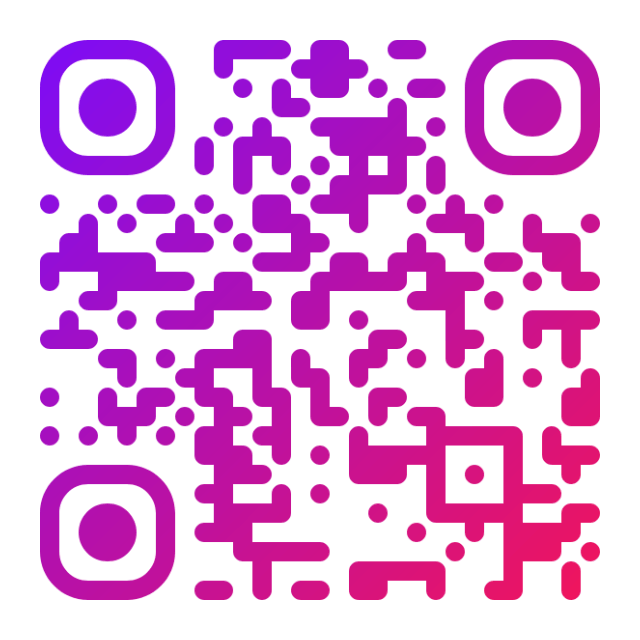
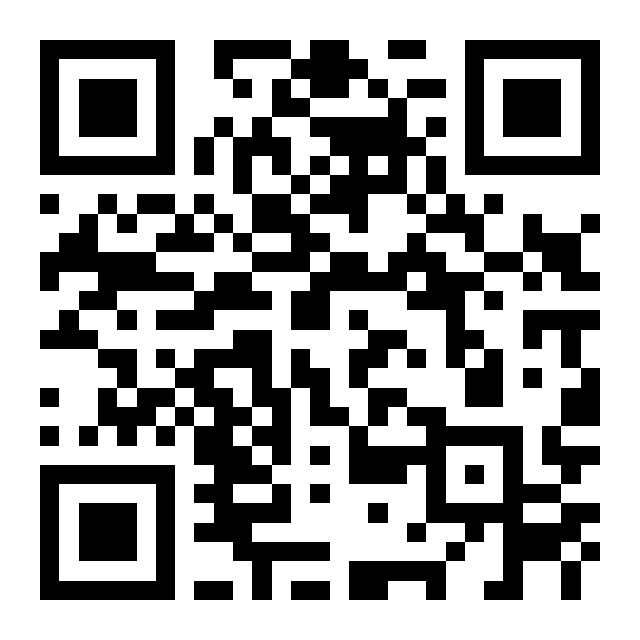
In this example, we take a purple-to-pink gradient QR code for Browserling's Instagram page and give it a familiar black-and-white appearance. The data modules keep their positions, while the rounded colored elements become sharp black squares on a white background. The code still opens the same Instagram profile.
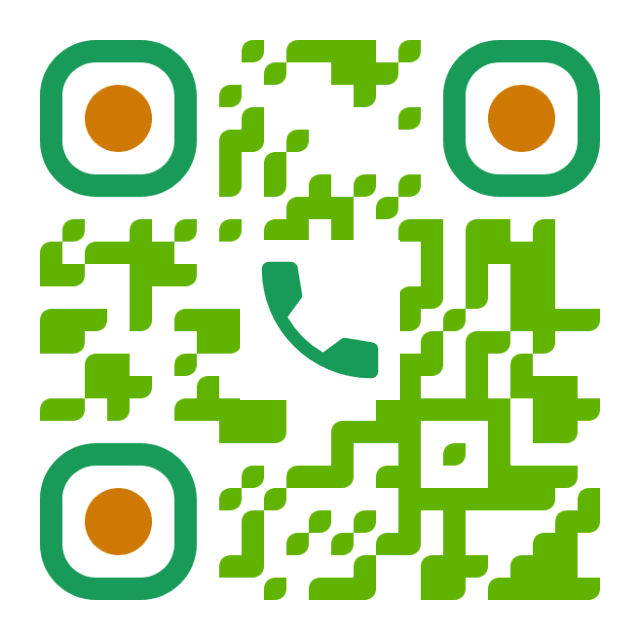
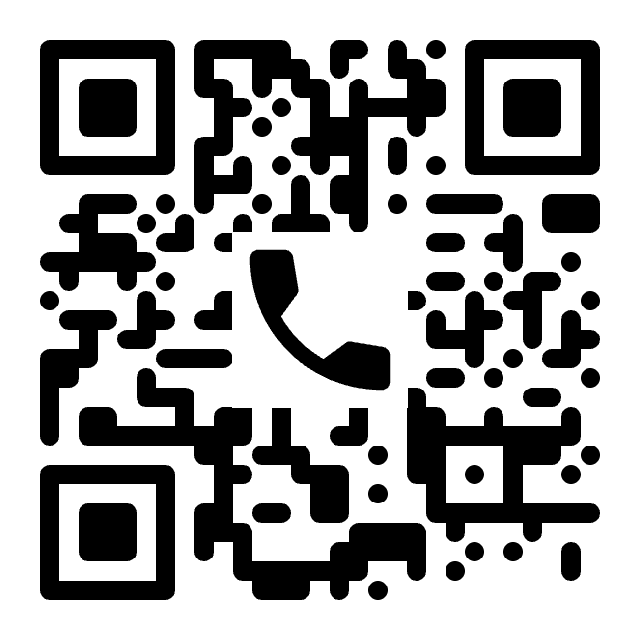
In this example, we convert a multicolored QR code with a notary's phone number into a restrained black-and-white design. The new style suits a notary's office, while rounded modules and corner markers soften the usual square shapes. We also increase error correction from high to highest, adding more recovery data to help the code handle wear or partial damage. This changes the module layout while keeping the phone number the same.
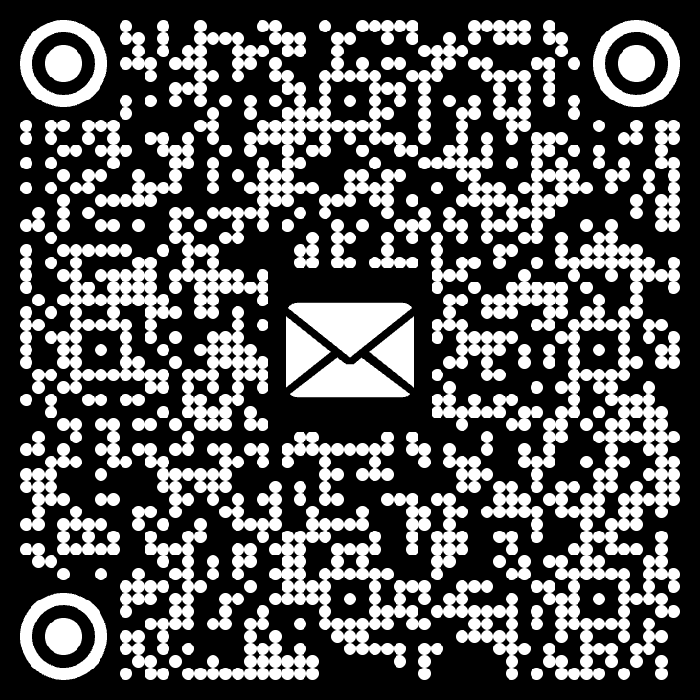
In this example, we load a colorful QR code with a prepared email asking about performing at a concert venue. It includes the recipient, a subject line, and a message requesting booking details. We turn the code into a monochrome version with white modules on a black background to suit dark surfaces. Circular modules, frames, and centers give both the pattern and its three corner markers a rounded look, while the envelope icon identifies the code as an email shortcut.

Read a QR code from an image and extract its contents.
Change the colors, size, and appearance of a QR code.
Place a custom logo or image in the center of a QR code.
Turn a QR code into a scalable SVG image.
Turn a QR code into a downloadable PNG file.
Create a QR code that links directly to a PDF document.
Create a QR code that lets customers leave a Google review.
Create a QR code that opens a restaurant's digital menu.
Create a QR code that opens a WhatsApp chat with a phone number.
Create a QR code that links directly to an Instagram profile.
Create a QR code that opens a YouTube video or channel.
Create a QR code that links to a Facebook page or profile.
Create a QR code that opens a TikTok profile or video.
Create a QR code that links to a LinkedIn profile or company page.
Create a QR code that opens a location in Google Maps.
Create a QR code containing event details, dates, and locations.
Create a QR code that opens a payment link or checkout page.
Create a QR code that links to an app in the App Store or Google Play.
Create a QR code that opens a Spotify song, album, or playlist.
Add a custom text label below a QR code, such as "Scan Me".
Surround a QR code with a customizable decorative frame.
Generate multiple QR codes at once from a list of text or URLs.
Arrange multiple QR codes on a printable sheet.
Test whether a QR code can be scanned and decoded correctly.
Subscribe to our updates. We'll let you know when we release new tools and features, and when we organize online workshops.
Enter your email here
We're Browserling – a friendly and fun cross-browser testing company powered by alien technology. At Browserling, our mission is to make people's lives easier, so we created this collection of QR code tools. Our tools have the simplest user interface that doesn't require advanced computer skills and they are used by millions of people every month. Behind the scenes, all QR tools are actually powered by our web developer tools that we created over the last couple of years. Check them out!