Quickly resize a QR code image proportionally by setting a scale percentage. Upload a QR code image to the tool below, enter a value below 100% to make it smaller or above 100% to make it larger, and choose whether to smooth the scaled pixels. When the new size is ready, download the resized QR code as a PNG. Fast, free, and easy to use. Created with love by team Browserling.
Quickly resize a QR code image proportionally by setting a scale percentage. Upload a QR code image to the tool below, enter a value below 100% to make it smaller or above 100% to make it larger, and choose whether to smooth the scaled pixels. When the new size is ready, download the resized QR code as a PNG. Fast, free, and easy to use. Created with love by team Browserling.
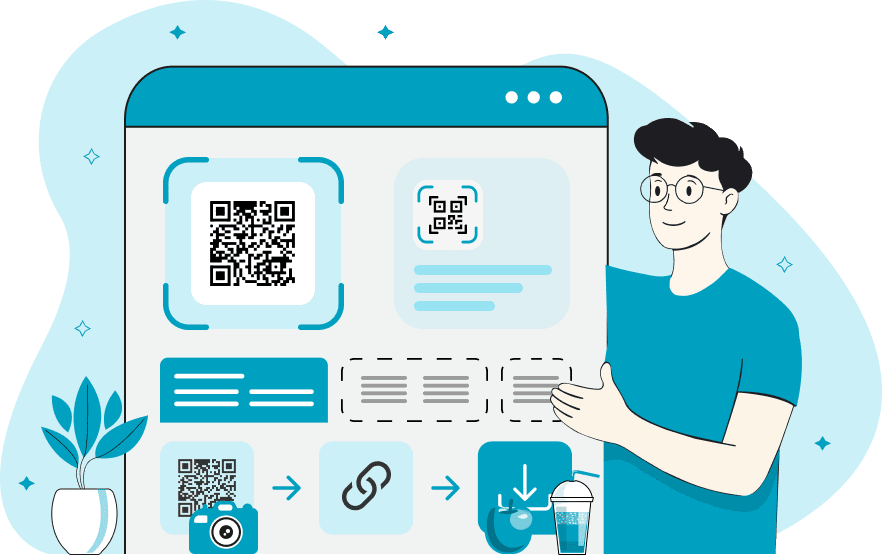
This online QR code resizer lets you make an existing QR image larger or smaller. It scales the image uniformly in both directions while preserving the width-to-height ratio. As a result, the QR code doesn't get squashed or stretched; it grows or shrinks evenly on all sides. To resize it, upload the QR code and enter the percentage of its original size that you want to use. A value above 100% produces a larger QR, a value below 100% produces a smaller QR, and 100% keeps the dimensions unchanged. For example, 150% increases the width and height by half, while 25% reduces them to one quarter of their starting size. You can review the original and resized pixel dimensions directly in the options. You can also enable "Smooth Resizing" to blend pixels around the QR pattern's edges. Turn off this option when you want square modules and other small details to stay sharp. After resizing, download the result as a PNG and scan it to make sure it remains readable at the new size. If you want to create a larger or smaller QR code with a new design for the same data, use our Change QR Code Design tool.
This online QR code resizer lets you make an existing QR image larger or smaller. It scales the image uniformly in both directions while preserving the width-to-height ratio. As a result, the QR code doesn't get squashed or stretched; it grows or shrinks evenly on all sides. To resize it, upload the QR code and enter the percentage of its original size that you want to use. A value above 100% produces a larger QR, a value below 100% produces a smaller QR, and 100% keeps the dimensions unchanged. For example, 150% increases the width and height by half, while 25% reduces them to one quarter of their starting size. You can review the original and resized pixel dimensions directly in the options. You can also enable "Smooth Resizing" to blend pixels around the QR pattern's edges. Turn off this option when you want square modules and other small details to stay sharp. After resizing, download the result as a PNG and scan it to make sure it remains readable at the new size. If you want to create a larger or smaller QR code with a new design for the same data, use our Change QR Code Design tool.
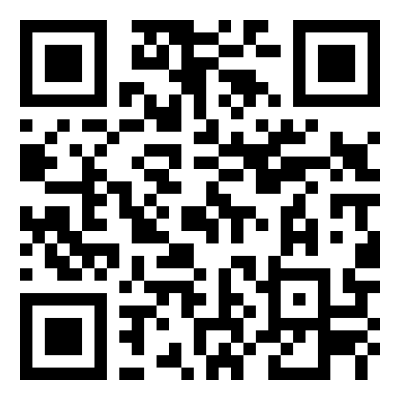
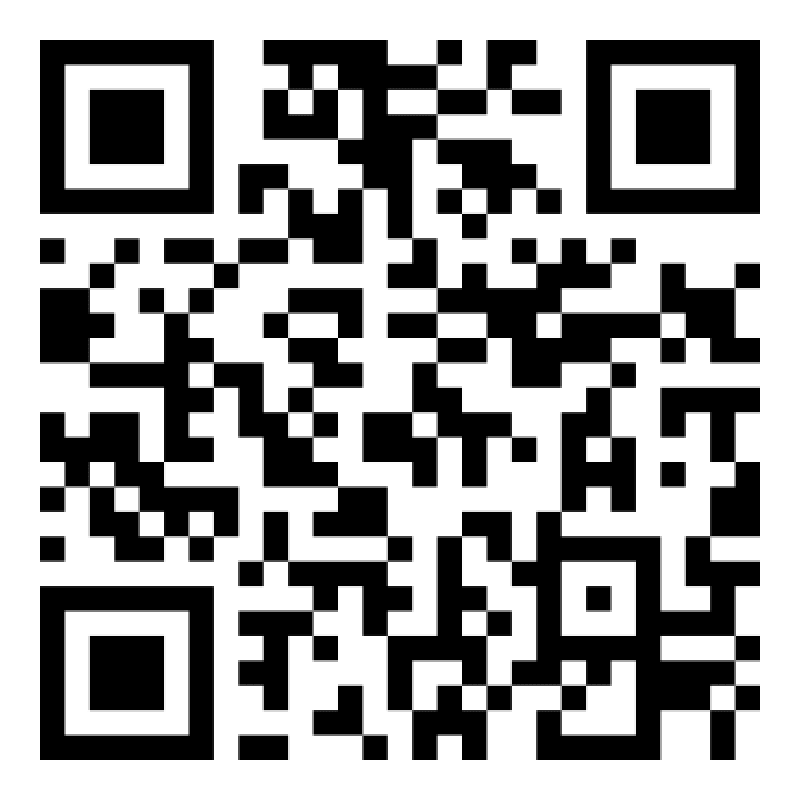
In this example, we enlarge a QR code that opens the Browserling blog. We prepare it for a larger display by applying a 200% resize, which turns the 400×400 image into an 800×800 one. Sharp scaling keeps the square modules clearly defined.
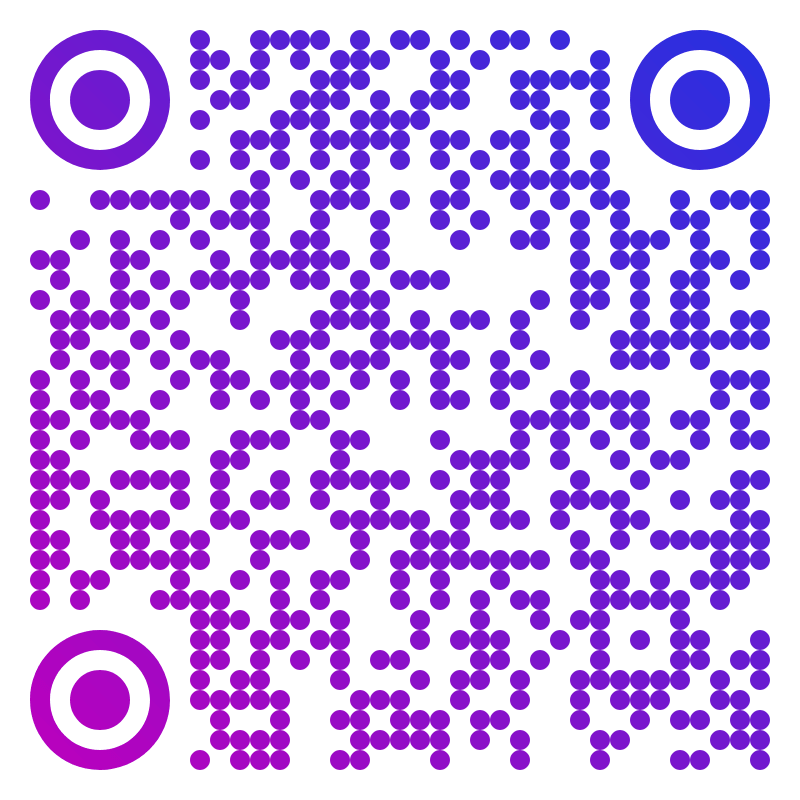
In this example, we upload a stylish purple-and-blue QR code containing the connection details for the "Moonridge Reading Room" Wi-Fi network. It lets visitors join the network without manually entering the name and password. We make the image half-sized so it fits neatly on cards placed on reading room tables, and pixel smoothing helps the rounded design stay clean after printing.
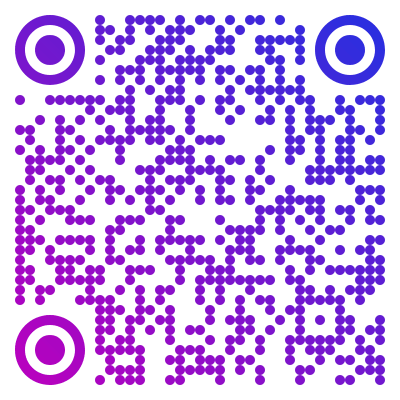
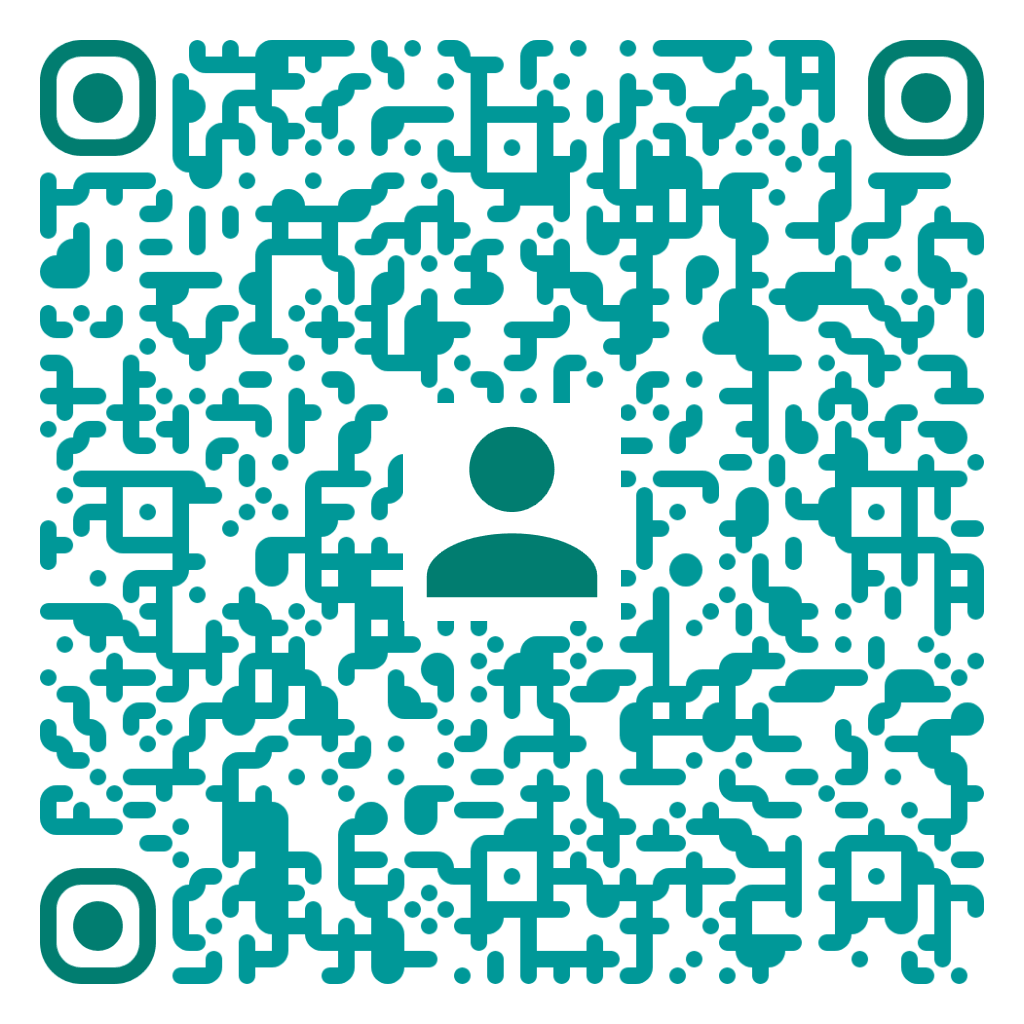
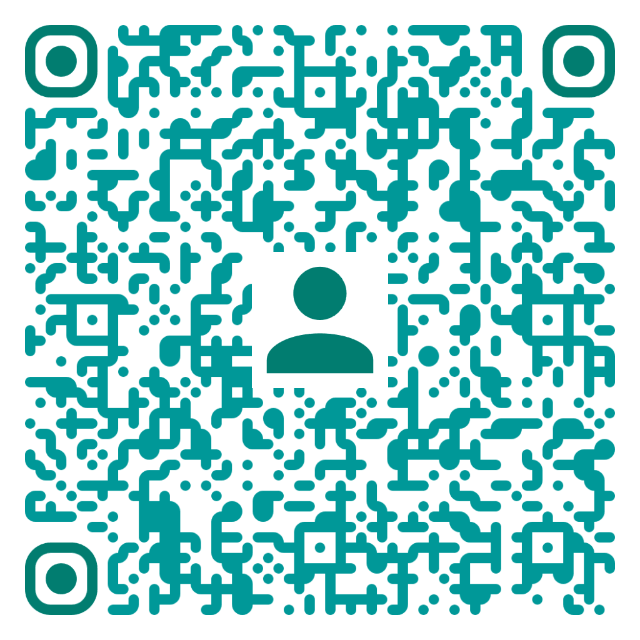
In this example, we adapt Talia Merrow's vCard QR code for business card printing. The code shares her position at the company, phone number, and email address, while the profile logo in the center makes its contact purpose clear. The print shop requests a 640×640 file, so we resize it to 62.5% to meet that requirement without changing the square proportions.
Read a QR code from an image and extract its contents.
Change the colors, size, and appearance of a QR code.
Place a custom logo or image in the center of a QR code.
Turn a QR code into a scalable SVG image.
Turn a QR code into a downloadable PNG file.
Create a QR code that links directly to a PDF document.
Create a QR code that lets customers leave a Google review.
Create a QR code that opens a restaurant's digital menu.
Create a QR code that opens a WhatsApp chat with a phone number.
Create a QR code that links directly to an Instagram profile.
Create a QR code that opens a YouTube video or channel.
Create a QR code that links to a Facebook page or profile.
Create a QR code that opens a TikTok profile or video.
Create a QR code that links to a LinkedIn profile or company page.
Create a QR code that opens a location in Google Maps.
Create a QR code containing event details, dates, and locations.
Create a QR code that opens a payment link or checkout page.
Create a QR code that links to an app in the App Store or Google Play.
Create a QR code that opens a Spotify song, album, or playlist.
Add a custom text label below a QR code, such as "Scan Me".
Surround a QR code with a customizable decorative frame.
Generate multiple QR codes at once from a list of text or URLs.
Arrange multiple QR codes on a printable sheet.
Test whether a QR code can be scanned and decoded correctly.
Subscribe to our updates. We'll let you know when we release new tools and features, and when we organize online workshops.
Enter your email here
We're Browserling – a friendly and fun cross-browser testing company powered by alien technology. At Browserling, our mission is to make people's lives easier, so we created this collection of QR code tools. Our tools have the simplest user interface that doesn't require advanced computer skills and they are used by millions of people every month. Behind the scenes, all QR tools are actually powered by our web developer tools that we created over the last couple of years. Check them out!